Manual Control Operations
5-12 DSX™ System Service Manual
5.2.10 Testing
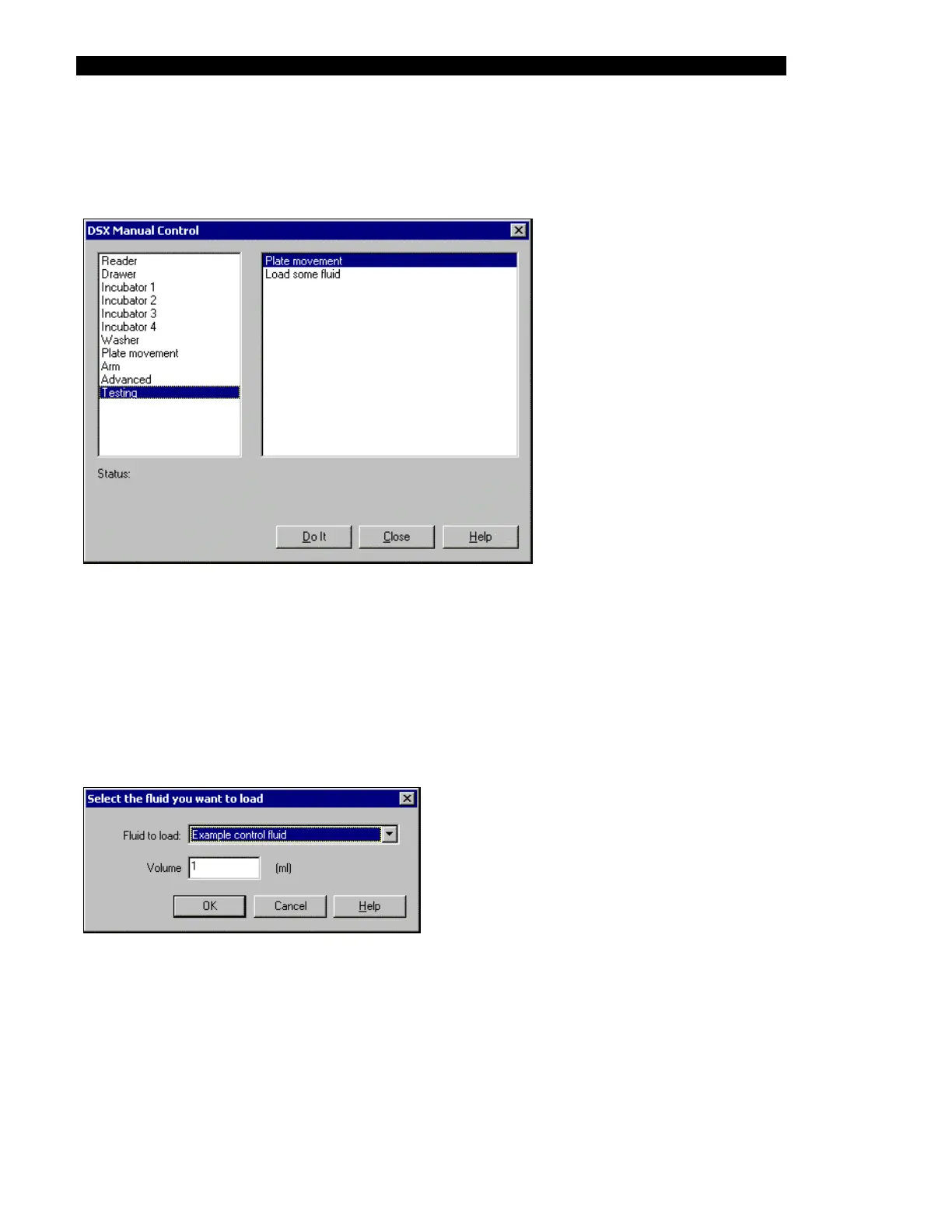
The Testing test selections are listed in the right column of Figure 5-14.
Figure 5-14 DSX Manual Control Dialog Box (Testing Selection)
Plate Movement presents a dialog box to prompt the engineer to indicate how many cycles are
desired. When the cycle number is indicated, the engineer is prompted to place a plate in the
left front drawer position. When the test is initiated, the plate movement will be performed for
the indicated number of cycles.
Load Some Fluid presents the Select the fluid you want to load dialog box (Figure 5-15).
Select the desired fluid and volume and click OK.
Figure 5-15 Select the Fluid you want to Load Dialog Box



 To Next Page