Post-Service Checkout Protocol
3-16 DSX™ System Service Manual
3.5.9 Manual Wash Plate Test
Check that the tubing has been fitted correctly without kinks to ensure proper dispense and
aspiration of the wash fluid. In addition, check that the wash head can move properly.
In Revelation software, access the Enter cycle count dialog box (Figure 3-9) by:
1 Selecting Manual Control on the Tools menu.
2 Selecting Washer in the left column, load some fluid from the right column and
select Do It.
3 Select the fluid to load, the volume and select OK. The program will show the
location to load the washer fluid; select the green check mark when complete.
The program will return to the DSX Manual Control dialog box.
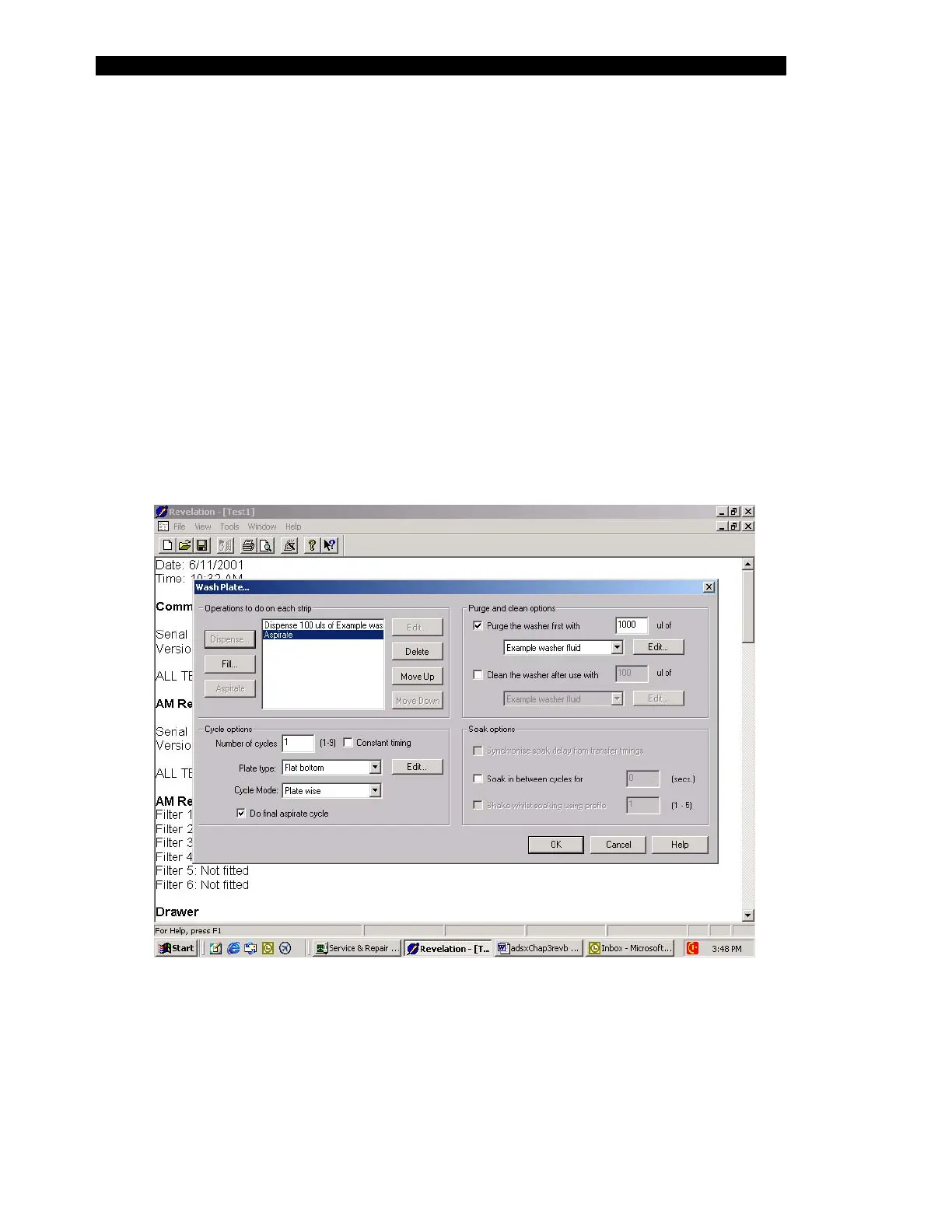
4 The Washer should still be highlighted in the left column, select wash a plate
from the right column and select Do It.
Figure 3-9 DSX Manual Control Washer Wash Plate Dialog Box



 To Next Page