Manual Control Operations
5-2 DSX™ System Service Manual
5.2 Manual Control Operations
5.2.1 Selecting the Desired Operation
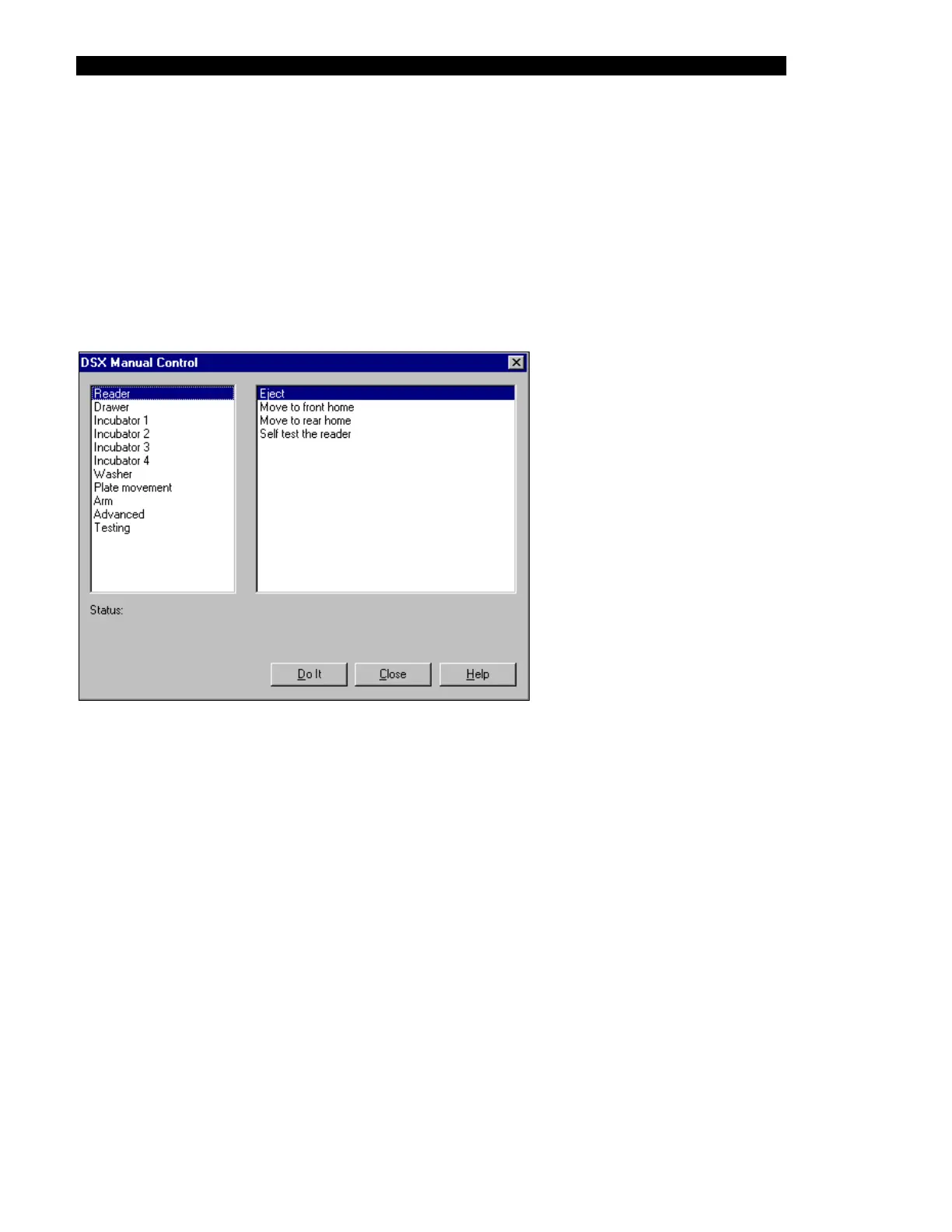
When Manual Control is selected, the DSX Manual Control dialog box (Figure 5-1) will be
presented. The left column indicates the devices that can be tested and the right column
indicates the operation that can be tested for the selected device. To select a different device,
move the highlight in the left column to the appropriate entry, to perform a different operation
for the selected device, move the highlight in the right column to the desired operation.
Figure 5-1 DSX Manual Control Dialog Box (Reader Selections)



 To Next Page