Repairing/Replacing Internal Components
DSX™ System Service Manual 11-35
11.4.16 Removal/Replacement of the Filter Motor
To Remove the Filter Motor:
1 Remove the filter wheel.
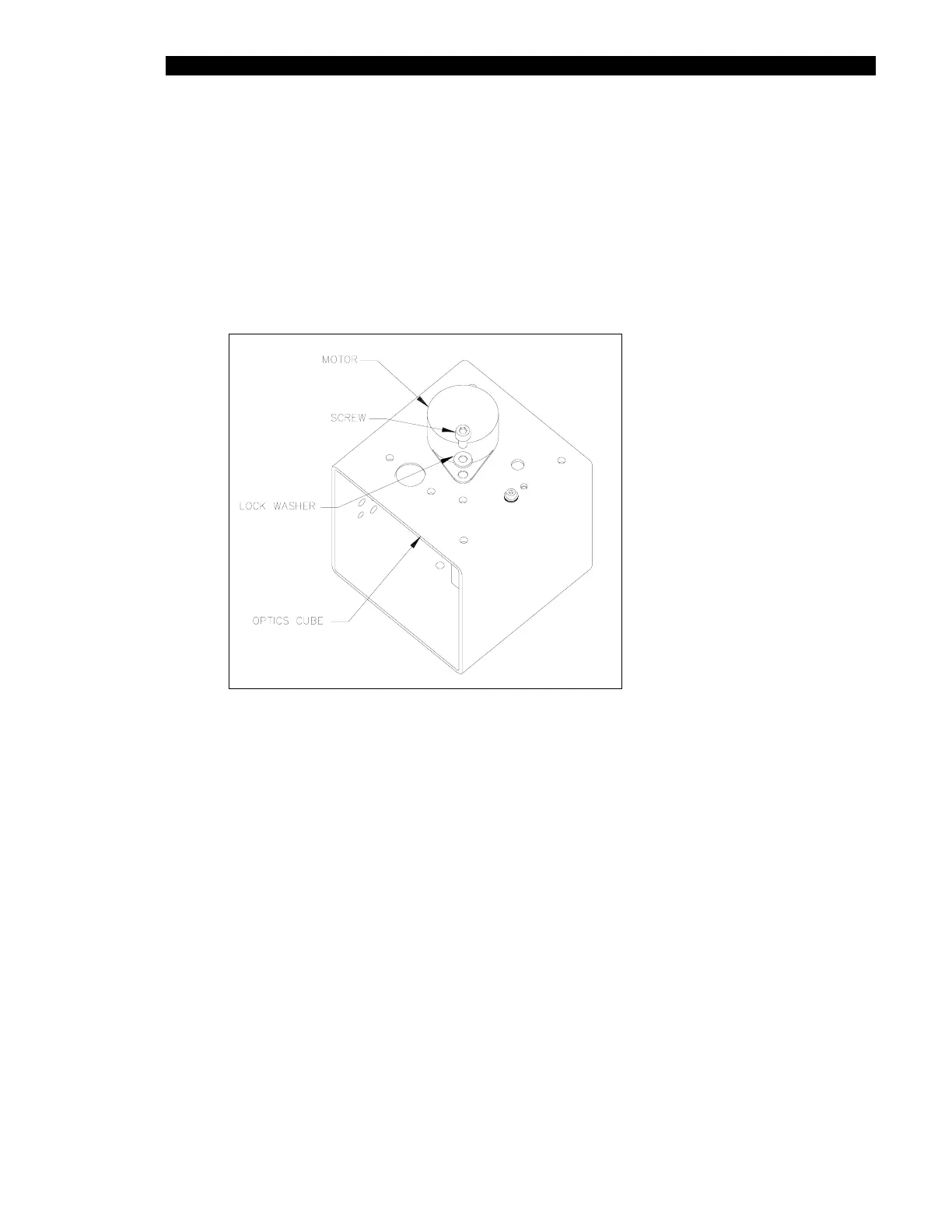
2 Remove the 2 M3 x 6mm socket head cap screws and 2 M3 lock washers
fastening the motor and remove it from the cube (Figure 11-30).
Figure 11-30 Filter Motor
To Replace the Motor:
1 Mount the replacement filter motor to the base of the optics cube using two
M3 x 6mm socket head cap screws and two M3 lock washers.
2 Reinstall the filter wheel.



 To Next Page