Replacing External Components
DSX™ System Service Manual 13-11
13.3.2 Waste Bottle Assembly
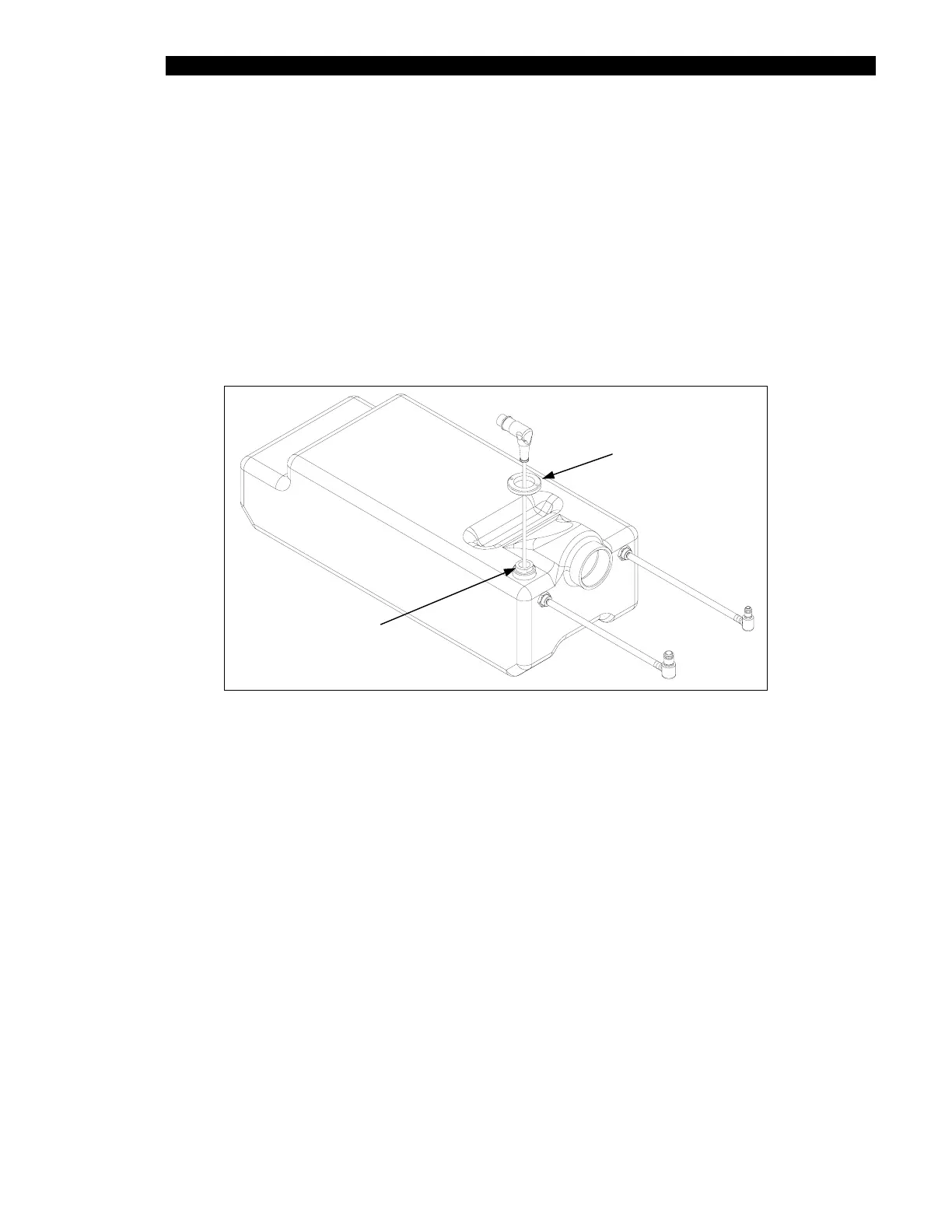
The Waste bottle Assembly includes a float that senses when the bottle is filled. When the
bottle is full, the system is halted.
To Remove the Float:
1 Disconnect the float connector from the front extrusion.
2 Remove the Extension tube nut (Part No. 204030500) from the bottle and then
remove the float switch assembly (Figure 13-3).
Extension Tube Nut
Float Switch
Extension Tube
Figure 13-3 Float Switch Assembly



 To Next Page