Post-Service Checkout Protocol
DSX™ System Service Manual 3-15
3.5.7 Cycle Test
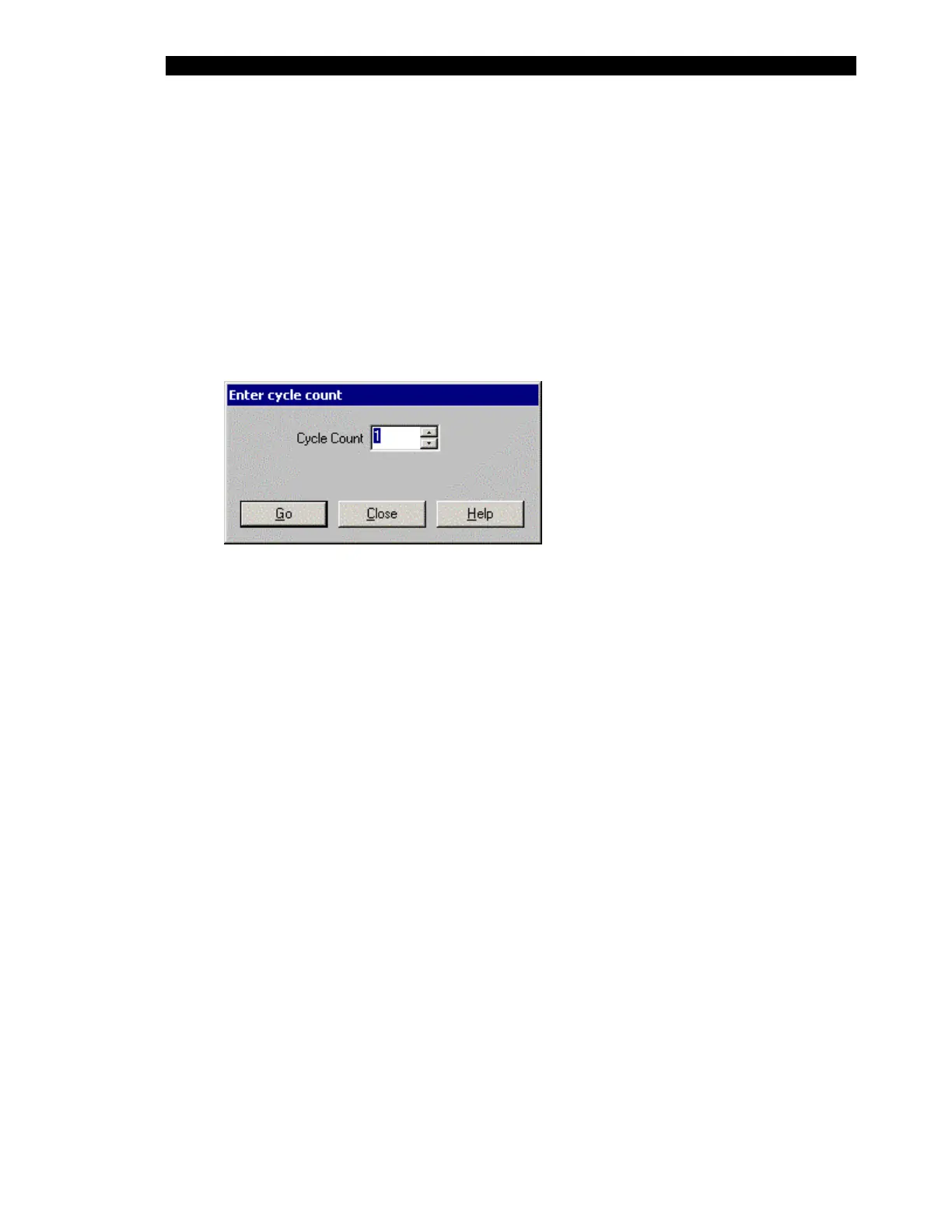
In Revelation software, access the Enter cycle count dialog box (Figure 3-8) by:
1 Selecting Manual Control on the Tools menu.
2 Selecting Testing in the left column.
3 Selecting Plate Movement in the right column.
4 Enter the number of times to perform the Cycle Count and select Do It.
Figure 3-8 Enter Cycle Count Dialog Box
Enter the number of cycles that should be performed. Each cycle involves the movement of
the plate from the ambient drawer to another module and back. The movements are
performed on a randomized basis and a value of at least 36 should be entered to make sure
that all modules are checked a few times.
Each movement should be smooth (i.e. no jerking, hesitation or interference). If the
movement is not smooth, repeat the calibration described in section entitled Drawer
Calibration on page 3-11.
3.5.8 Tip Alignment Test
Perform the Tip Alignment test described in the section entitled Manual Control Operations
on page 5-2.



 To Next Page