Post-Service Checkout Protocol
3-6 DSX™ System Service Manual
3.5 Post-Service Checkout Protocol
3.5.1 Role of the Post Service Checkout Protocol
After any service activity, the checkout protocol described below should be performed to
ensure that all components of the system are function properly and all components are
properly aligned.
3.5.2 Power Down the System
Power down the system and the computer and power them up again in the normal manner.
The Self-Test report should indicate that all tests have passed (refer to Initializing
Communication on page 2-4).
3.5.3 Workspace Calibration
Perform the Tip Alignment Test to ensure that the coordinates of the workspace are
properly defined. If the Tip Alignment Test fails you will need to perform The Workspace
Calibration.
To Perform the Workspace Calibration:
1 Remove all components and racks from the workspace area and place the
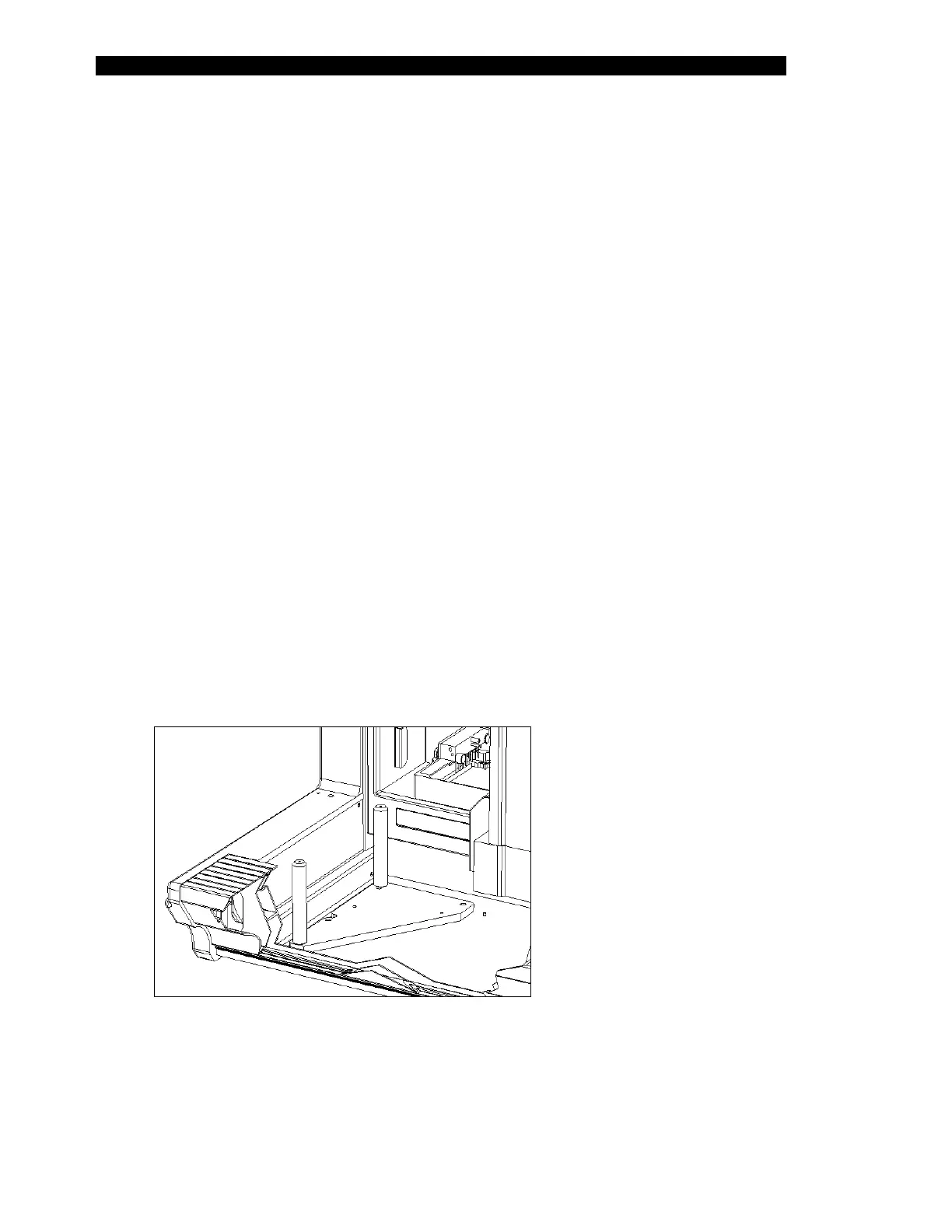
Calibration Jig (Part No. WAFIX-003) onto the workspace at the left-hand end.
Make sure that the holes and pins align. The pillars on the plate should be in
the back-left and front-left corners of the workspace area on the DSX, as
shown in Figure 3-1.
Figure 3-1 Positioning the Workspace Fixture - Left Side of DSX Workspace



 To Next Page