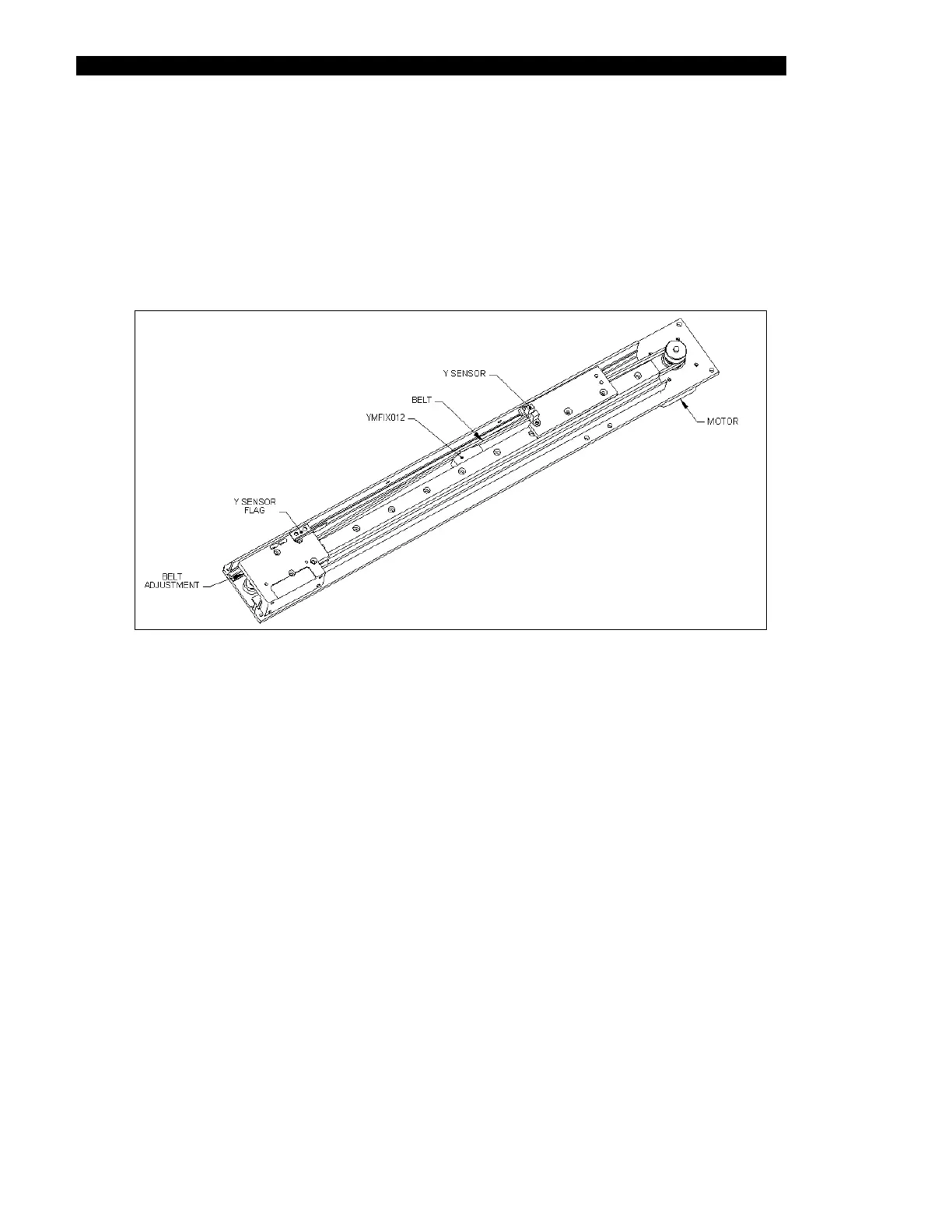
The Y-Drive Assembly
7-40 DSX™ System Service Manual
4 Position Y belt tension Jig DSXFIX012 as shown in Figure 7-47 between slide rail
mounting screws 5 and 6 (from the motor end), with the Z carriage fully away from
the motor. Tighten the belt adjustment screw until the belt pushes the plunger
flush to face of the body of the jig. Tighten the adjustable block screws and
remove the jig. Individually remove and re-install each screw in the adjustable
block (including the long adjustment screw) by applying Loctite 222 to each screw
and then tightening. Ensure that the Y sensor flag passes through the middle of
the sensor.
Figure 7-47 Tightening the Y-Drive Belt
7.5.5 Removing the Y Optointerrupter
The Y Optointerrupter is mounted as shown in Figure 7-47. To remove the Y sensor, remove
the two screws. When you replace the sensor, make certain that the Y-Flag travels through the
center of the sensor.



 To Next Page