Repairing/Replacing Internal Components
11-32 DSX™ System Service Manual
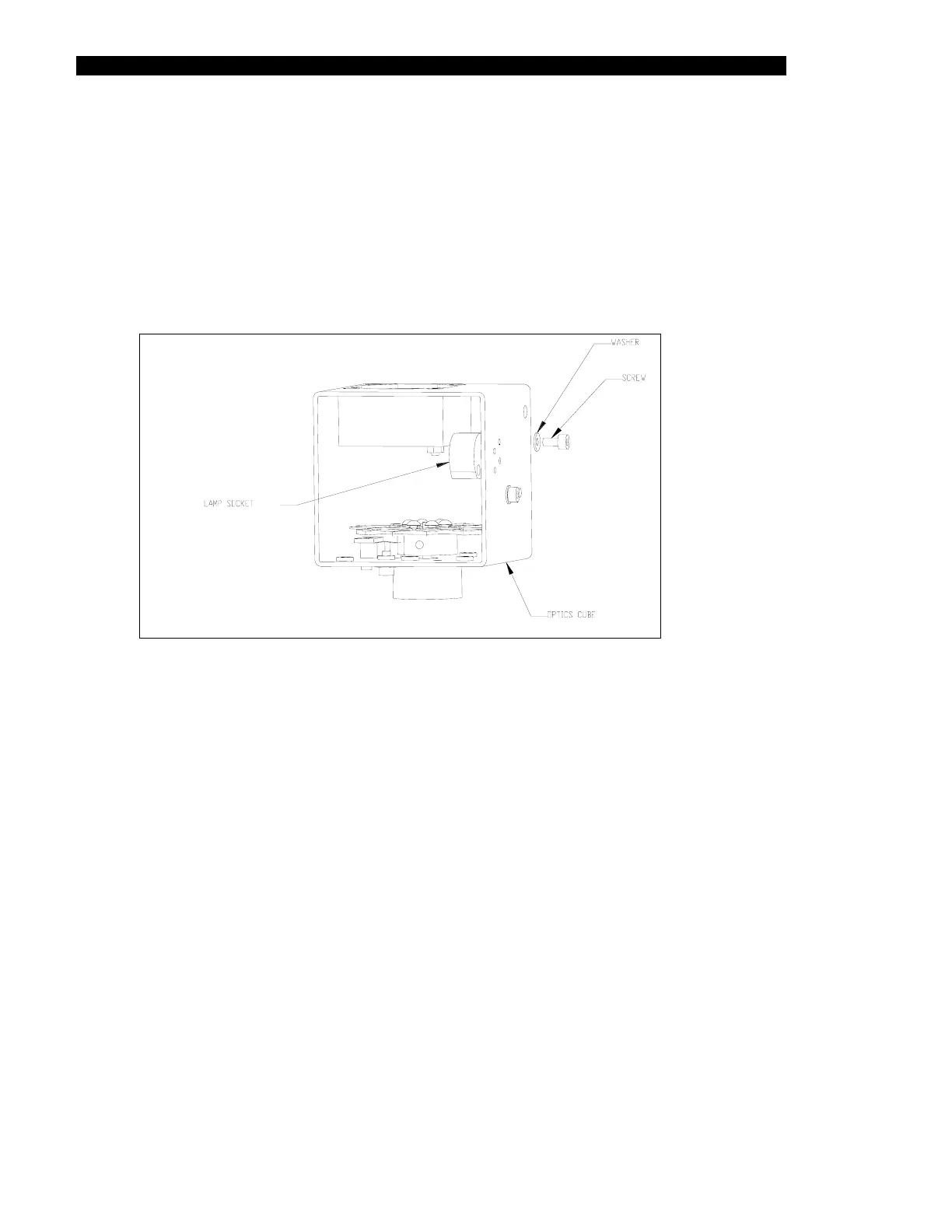
11.4.13 Removal/Replacement of the Lamp Holder
To Remove the Lamp Holder:
1 Remove the 2 M3 x 6mm socket head screws and M3 lock washers
(Figure 11-27).
2 Remove wires from lamp connector and remove lamp holder.
Figure 11-27 Remove the Lamp Holder
To Replace the Lamp Holder:
1 Mount the lamp holder into the cube using two M3 x 6mm socket head cap
screws washers and M3 lock washers.
2 Route both lamp holder wires through two wire holes.
3 Terminate wires at the Molex connector of the lamp using two terminal crimps.
The final terminated wire length should be 4.0 inches.



 To Next Page