Repairing/Replacing Internal Components
11-40 DSX™ System Service Manual
11.4.21 Removal/Replacement of the Upper Optic Block
To Remove the Upper Optic Block:
1 Remove the AM Main Module Board.
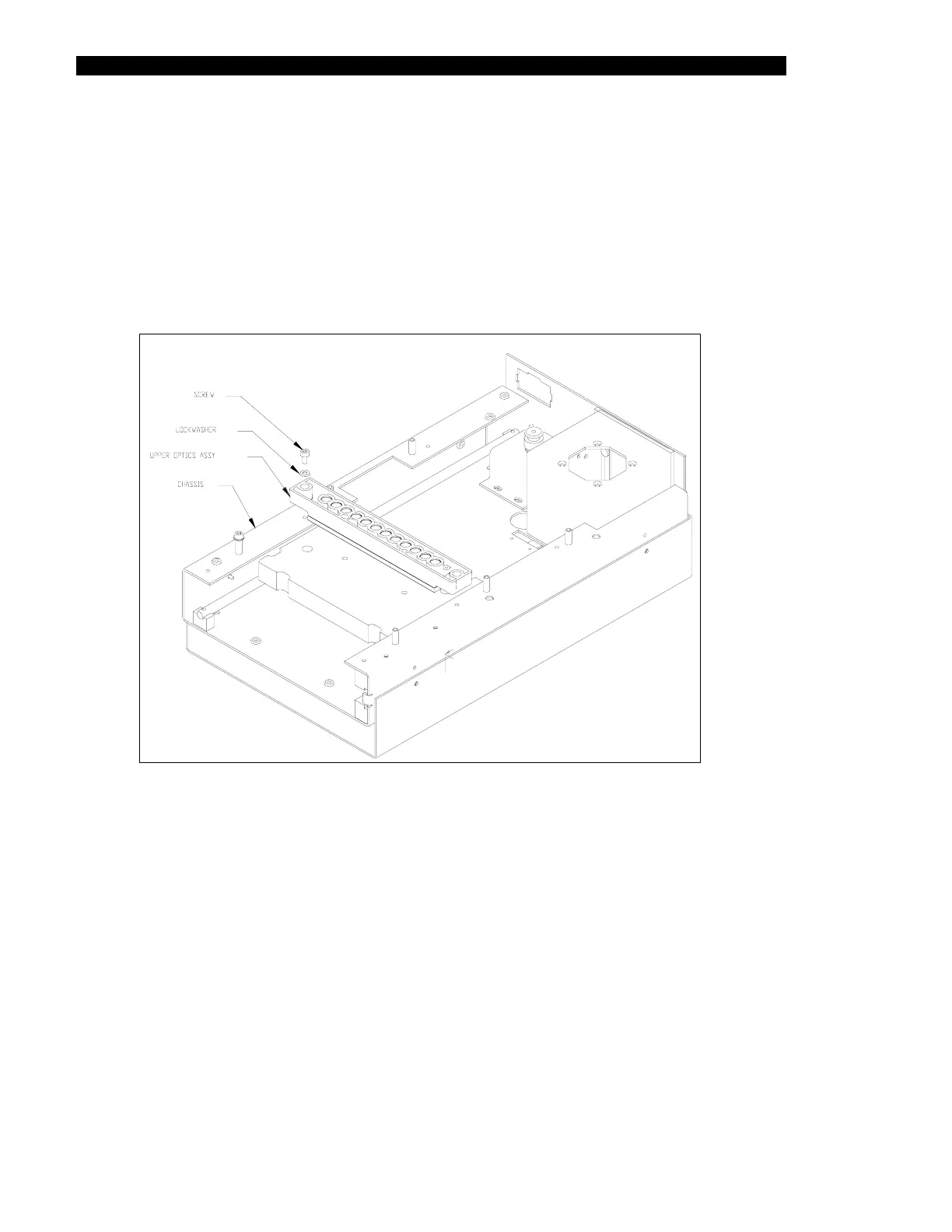
2 Remove the upper optic block by unscrewing the 2-M3 x 10mm socket head cap
screws and 2-M3 lock washers (Figure 11-36).
Figure 11-36 Removing Upper and Lower Optical Blocks



 To Next Page