Accessing Internal Components
DSX™ System Service Manual 16-3
16.2.3 Replacing the Cover Assembly
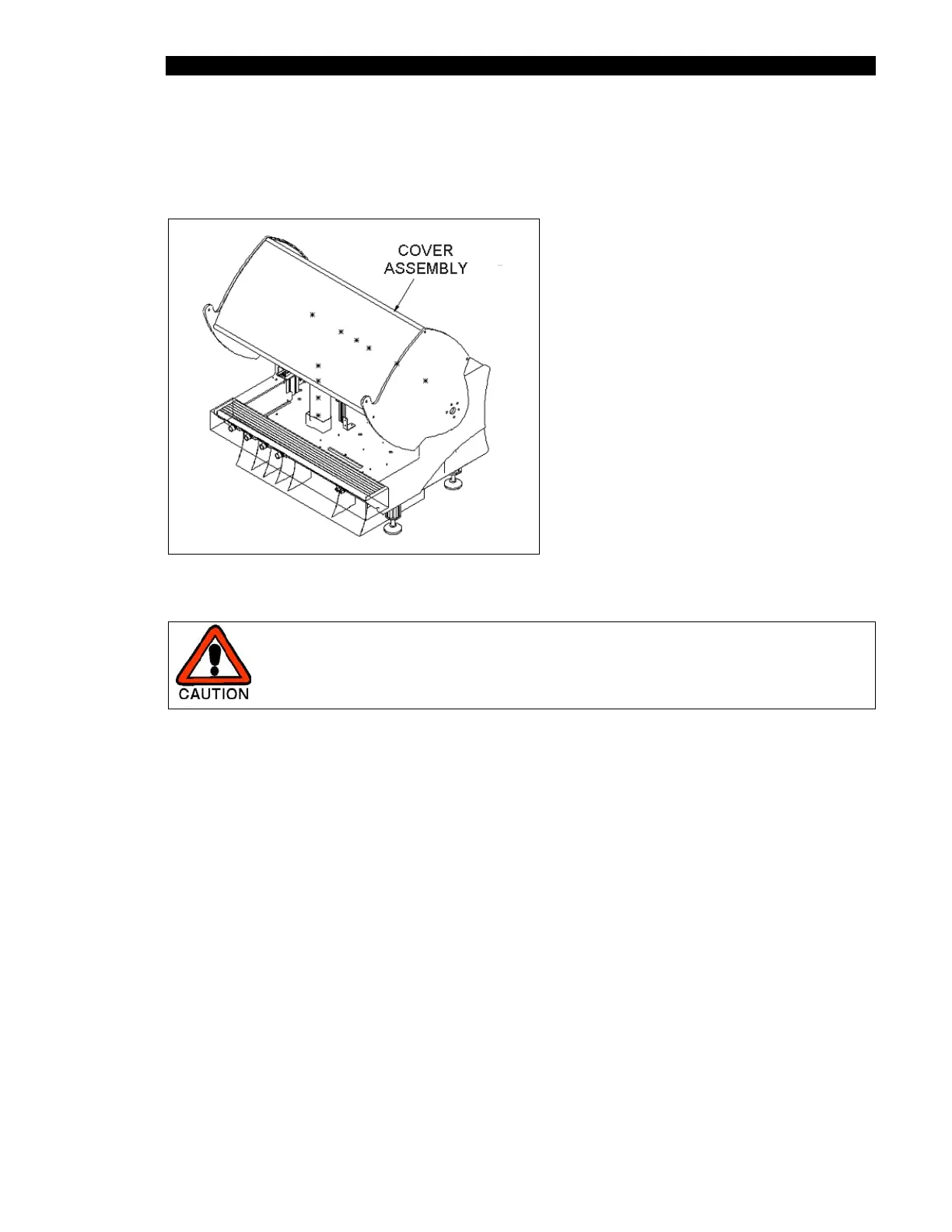
The Cover Assembly (Part No. 13001640) is shown in Figure 16-3.
Figure 16-3 Cover Assembly
CAUTION: TWO PEOPLE ARE REQUIRED TO REMOVE AND/OR
RE-INSTALL THE COVER ASSEMBLY.
To Remove the Cover Assembly:
1 Place the cover assembly in the open position (the gas springs are fully extended
in this position).
2 Remove the three M8 X 25mm screws that connect the cover to the hinge
assembly on each side of the cover.
3 Spread the cover assembly slightly to clear the hinge assemblies, then lift the
cover off of the unit.



 To Next Page