Loading the Desired Assay
2-8 DSX™ System Service Manual
In most cases, the problem is that you have not connected the DSX™ Automated ELISA
System to the indicated communications port on the personal computer. If this is the case,
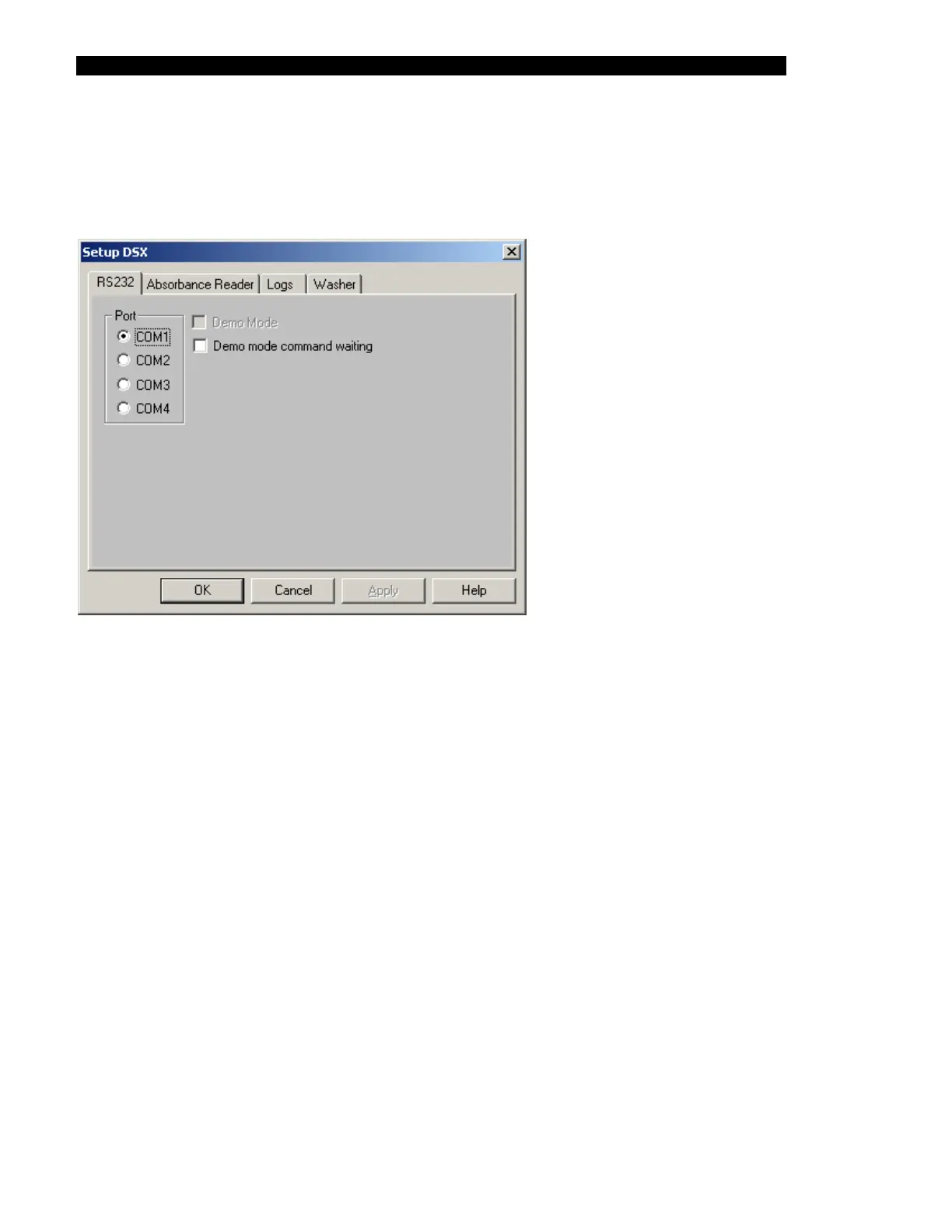
select Setup the communications settings option to present the Setup DSX dialog box
(Figure 2-7) and select the correct port (at this point, do not worry about the rest of the tabs).
Figure 2-7 COMPORT Selection Dialog Box
2.7 Loading the Desired Assay
While the application program allows the user to prepare assay and workspace protocols, in
almost all cases the system will be used with a program that is prepared by the supplied by the
manufacturer of the assay kits.
To load the desired assay, get the diskette that includes the assay(s), place it into the disk
drive and open the assay, then save it in the \applicationsoftware\assays folder.



 To Next Page