Initializing Communication
DSX™ System Service Manual 2-7
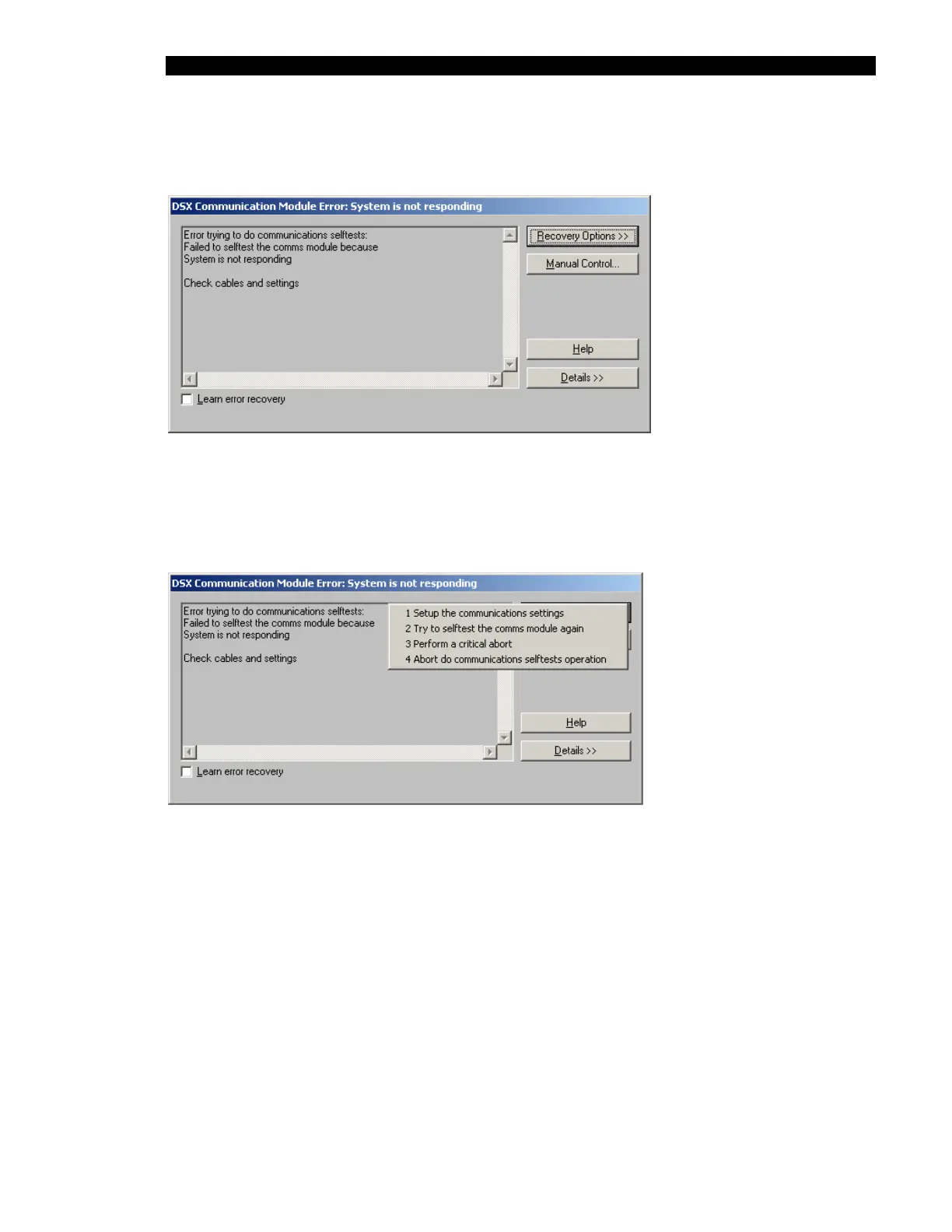
If the personal computer cannot establish communication with the system, the DSX
Communication Module Error dialog box is presented (Figure 2-5).
Figure 2-5 DSX Communication Module Error Dialog Box
Press the Recovery Options button to present the options at this point (Figure 2-6). The
Manual Control selection lets you manually operate various components of the system and is
not used at this point.
Figure 2-6 Recovery Options Dialog Box



 To Next Page