Accessing Internal Components
16-6 DSX™ System Service Manual
16.2.5 Removing the Left Side Panel
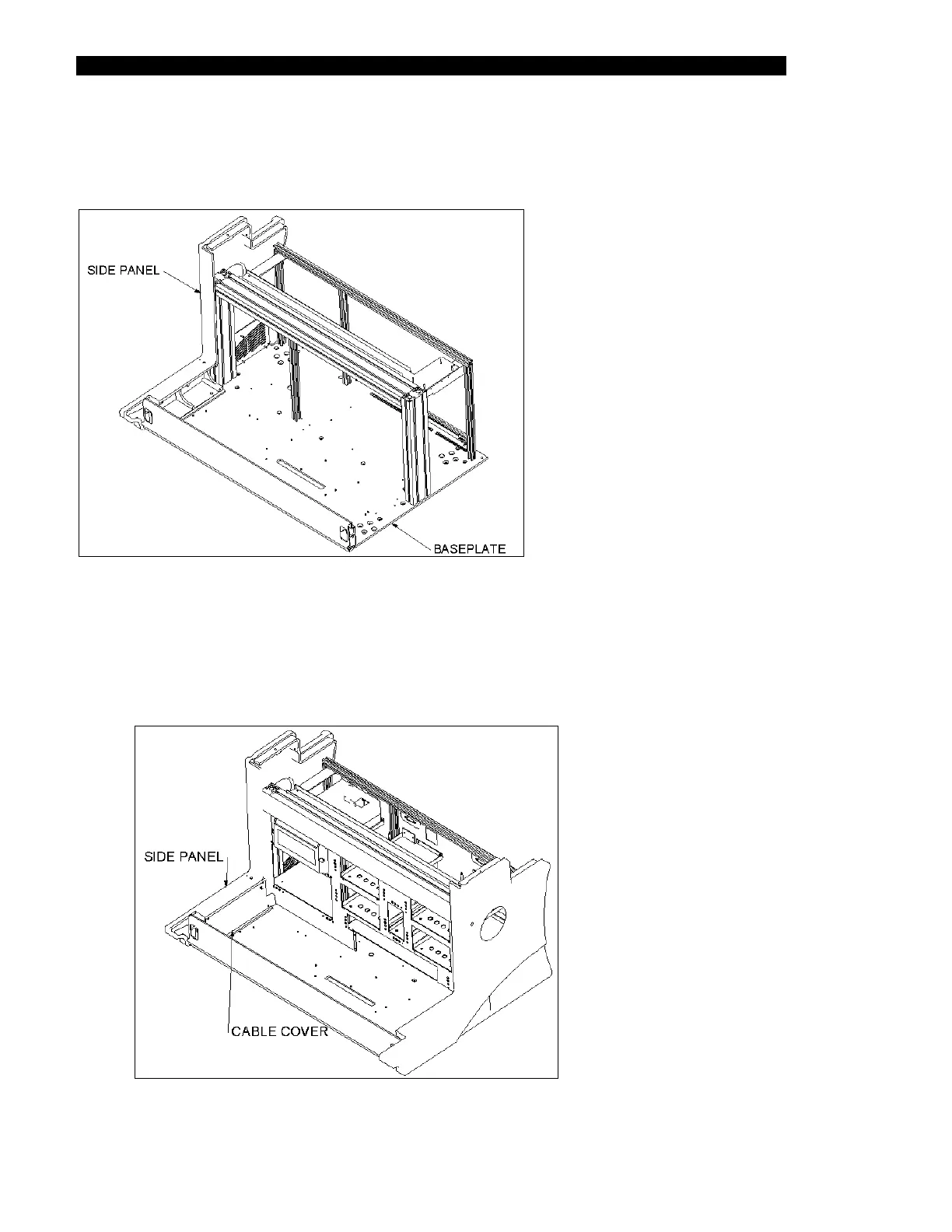
The left side panel (Part No. 204012500) is shown in Figure 16-6.
Figure 16-6 Left Side Panel
To Remove the Left Side Panel:
1 Remove the left cable cover (Part No. 204023500) by removing the four M4 x 8
BHCS Screws (Figure 16-7).
Figure 16-7 Left Cable Cover



 To Next Page