The Z-Drive Assembly
7-28 DSX™ System Service Manual
7.4.7 Replacing the Idler Assembly
To Remove the Idler Assembly:
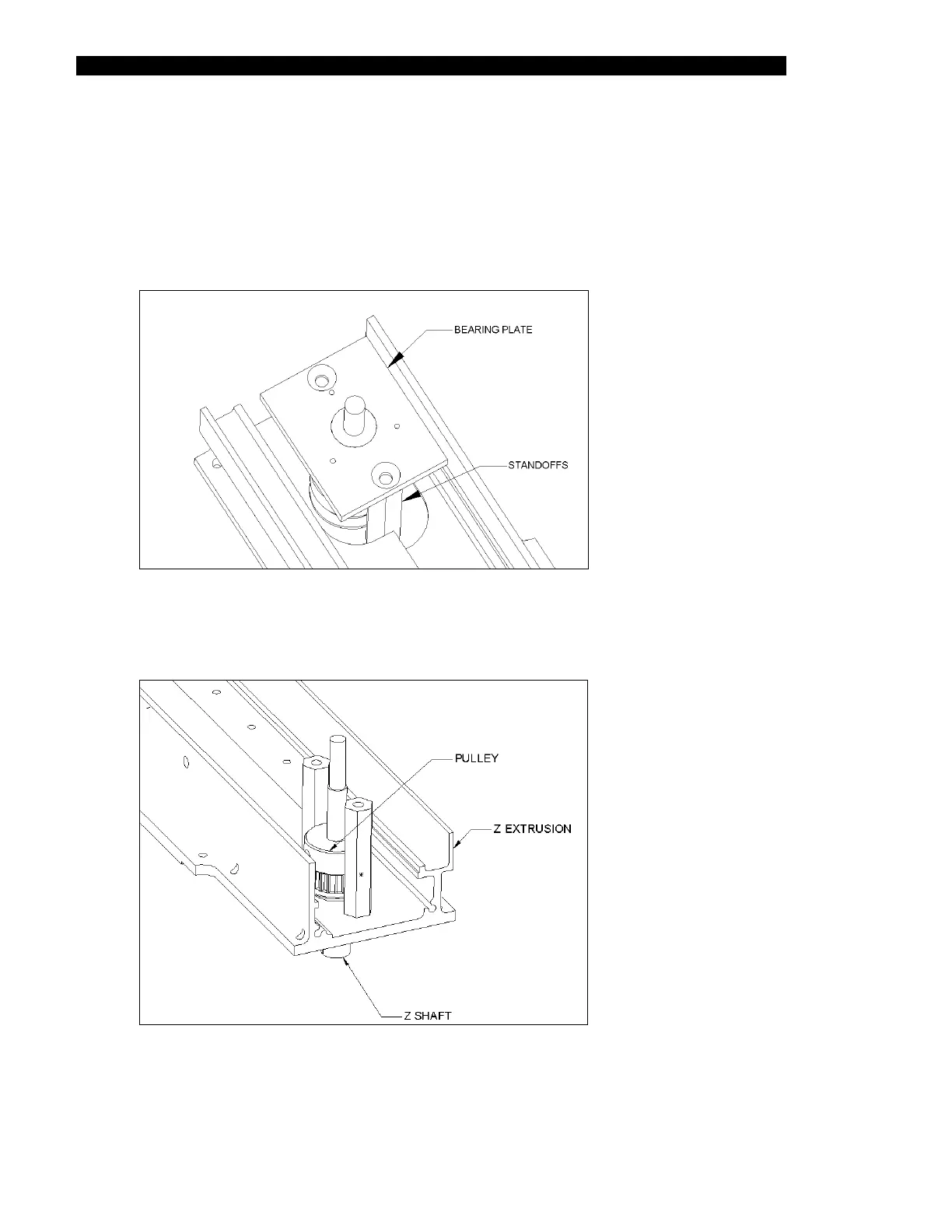
1 Remove the bearing plate (Part No. 20400440) by removing the 2 flat head
screws (Figure 7-31).
Figure 7-31 Bearing Plate Cover
2 Remove the pulley from the shaft by removing the M4 x 6 cone Point Set Screw
(Figure 7-32).
Figure 7-32 Pulley Assembly



 To Next Page