Manual Control Operations
DSX™ System Service Manual 5-5
5.2.5 Incubators
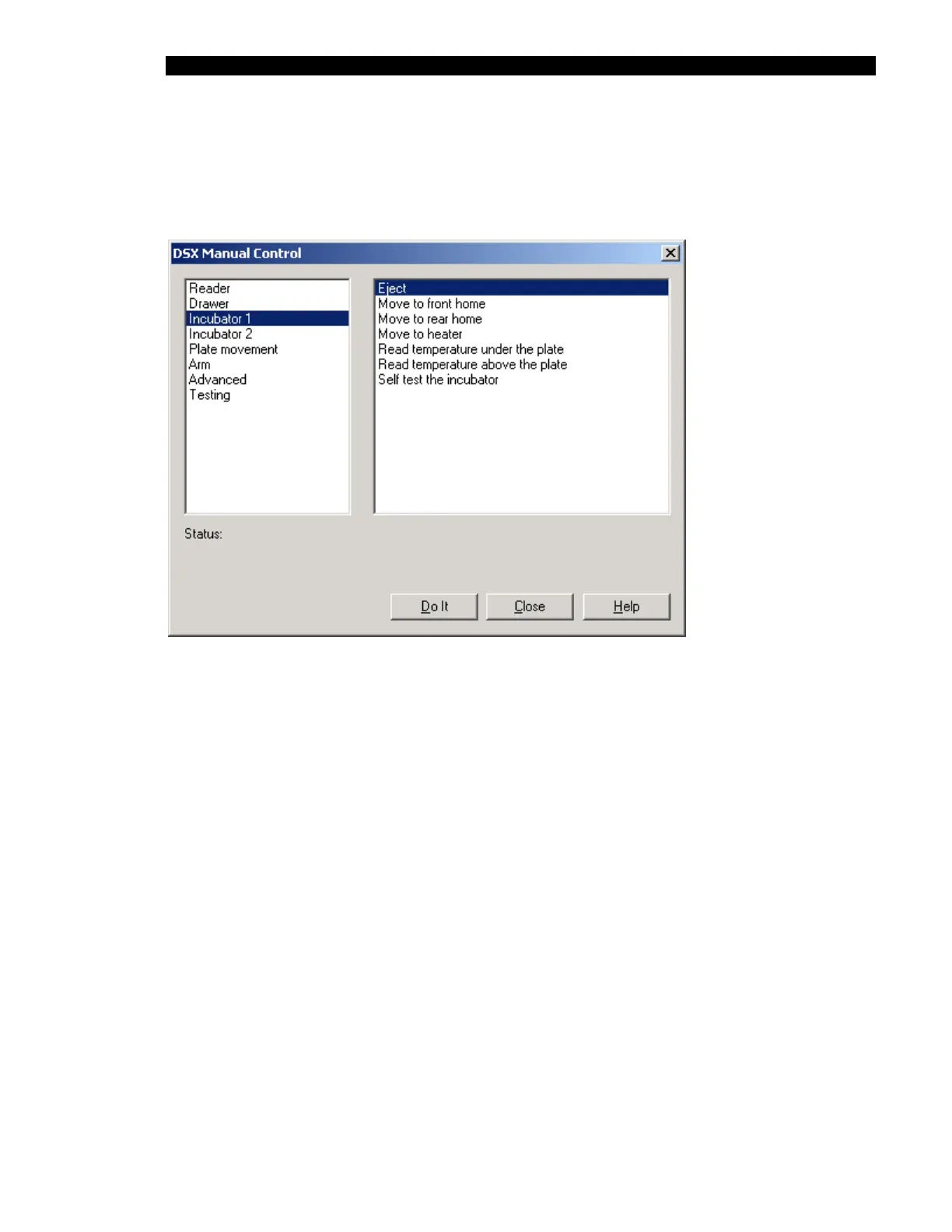
The Incubator test selections are listed in the right column of Figure 5-4. The self-test
operation incorporates all of the individual operations.
Figure 5-4 DSX Manual Control Dialog Box (Incubator Selections)
When you click on the Do It button, the Status line will indicate that the system is performing
the operation (for example, Doing a Move to Front Home operation). At the completion of the
test operation, the message will indicate that the operation has been performed (for example,
Finished a Move to Front Home operation).
The testing is identical for the four incubators.



 To Next Page