Accessing Internal Components
16-2 DSX™ System Service Manual
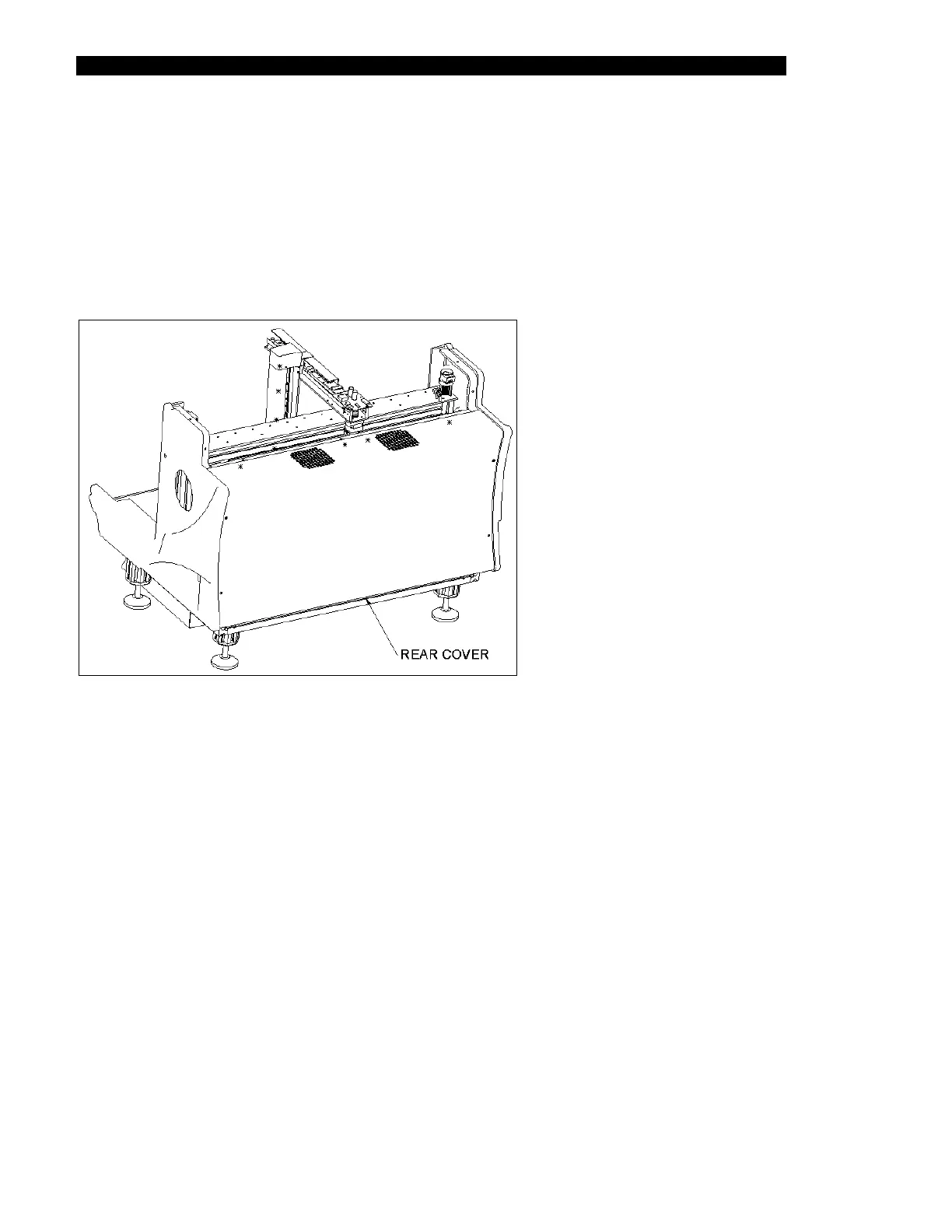
16.2.2 Removing the Rear Cover
To Remove the Top Cover:
1 Remove the seven M5 x 10mm BHCS screws that attach it to the system.
The rear cover (Part No. 22001220) is shown in Figure 16-2.
Figure 16-2 Rear Cover
2 Disconnect the wires from J25 and J26 on the back plane of the system.
To Remove the Rear Cover:
1 Remove the eight M5 X 10mm BHCS screws that attach the back cover to the
system.



 To Next Page