Manual Control Operations
DSX™ System Service Manual 5-7
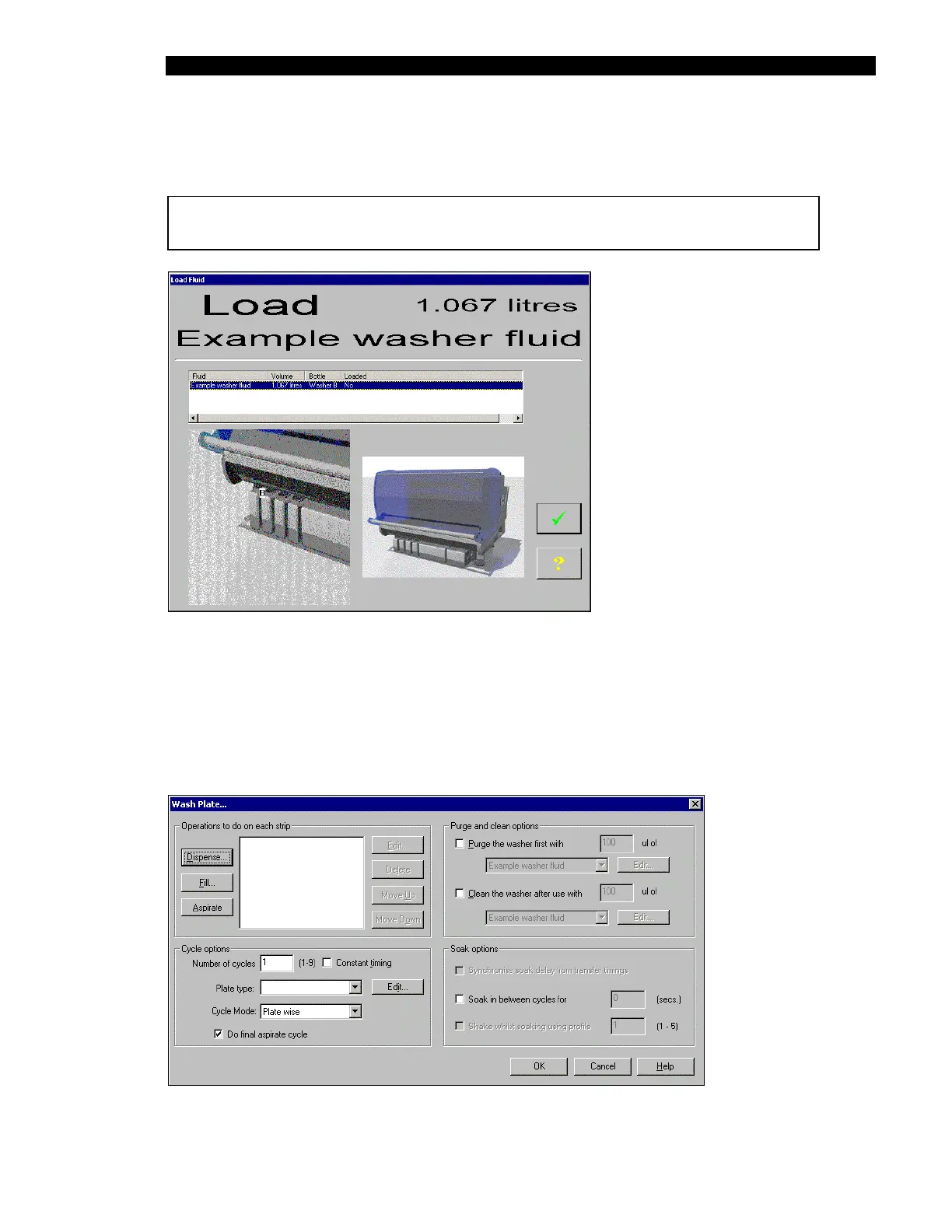
Indicate the desired fluid and the volume and press OK. The system will present a screen
indicating the present fluid level and indicate the container (Figure 5-7).
Note: Be sure to load wash fluid before attempting to perform a wash.
Figure 5-7 Loading Fluid Screen
After you have loaded the desired volume, click the check box.
For the Wash a plate Operation: The Wash a plate operation is used to indicate that you want
to develop a plate washing protocol. When you click on the Do It button, the Wash Plate dialog
box (Figure 5-8), which is used to indicate the desired operations is presented. A detailed
discussion of this operation is presented in the section entitled, Washing A Plate on page 5-13.
Figure 5-8 Wash Plate Dialog Box



 To Next Page