Manual Control Operations
5-10 DSX™ System Service Manual
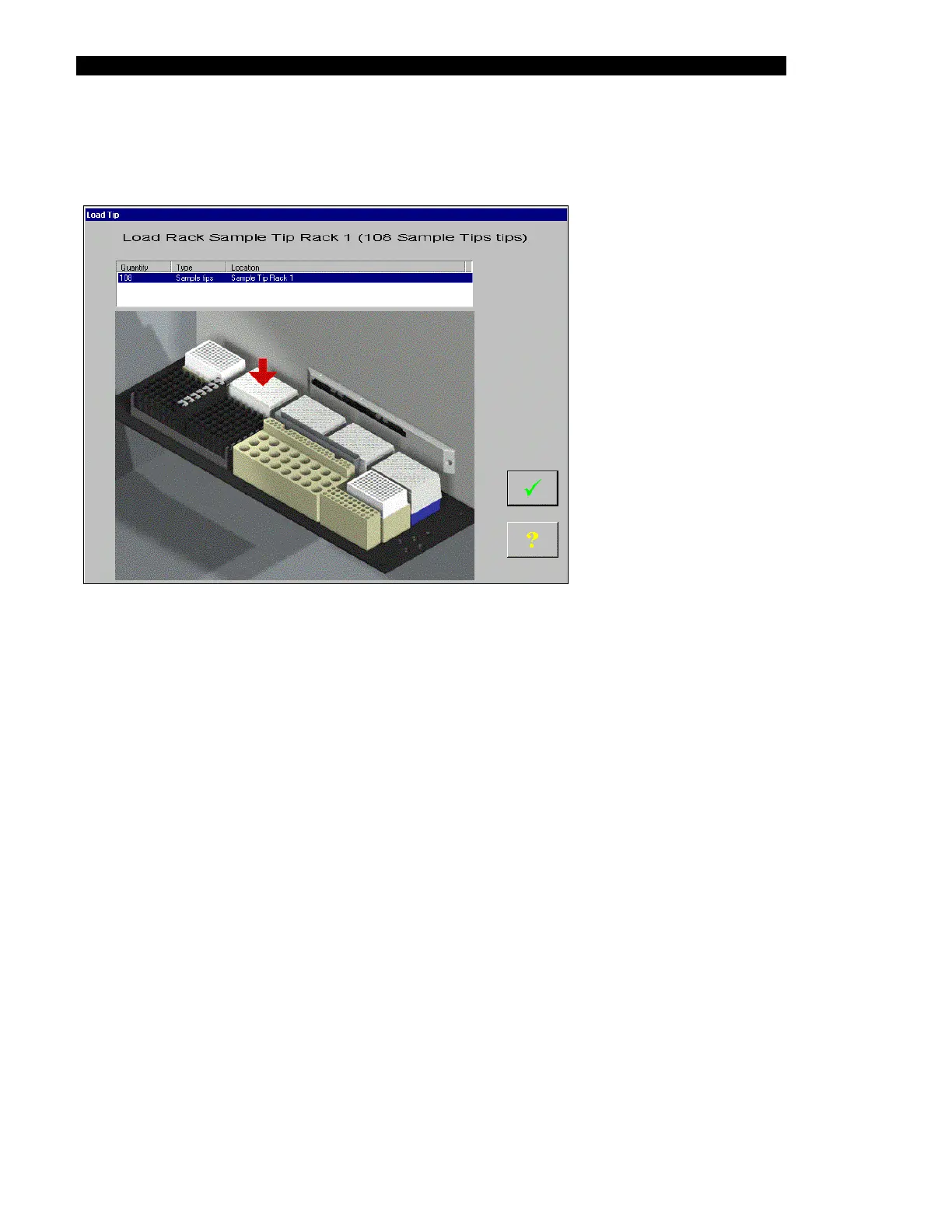
For the Get a tip from sample tip rack 0,1,2,3 entries and the Get a tip from reagent tip
rack 0 entries, the display presents a dialog box similar to Figure 5-11.
Figure 5-11 Load Tip Window
Make certain that a tray of tips is positioned in the appropriate area, then click the check box.
The pipette will pick up a tip from the tray.
The Status line will indicate that the system is performing the operation (for example, Doing
an Arm Get a tip from sample tip rack 0 operation). At the completion of the test operation,
the message will indicate that the operation has been performed (for example, Finished Arm
Get a tip from sample tip rack 0 operation).
For the Get Coordinates entry, the status line will indicate that the system is performing the
operation. At the completion of the operation, the status line will indicate that the operation is
complete. The dialog box will include the coordinates as shown below:
Coordinates are 3362, 44, 0



 To Next Page