K117sm5e2
5-3
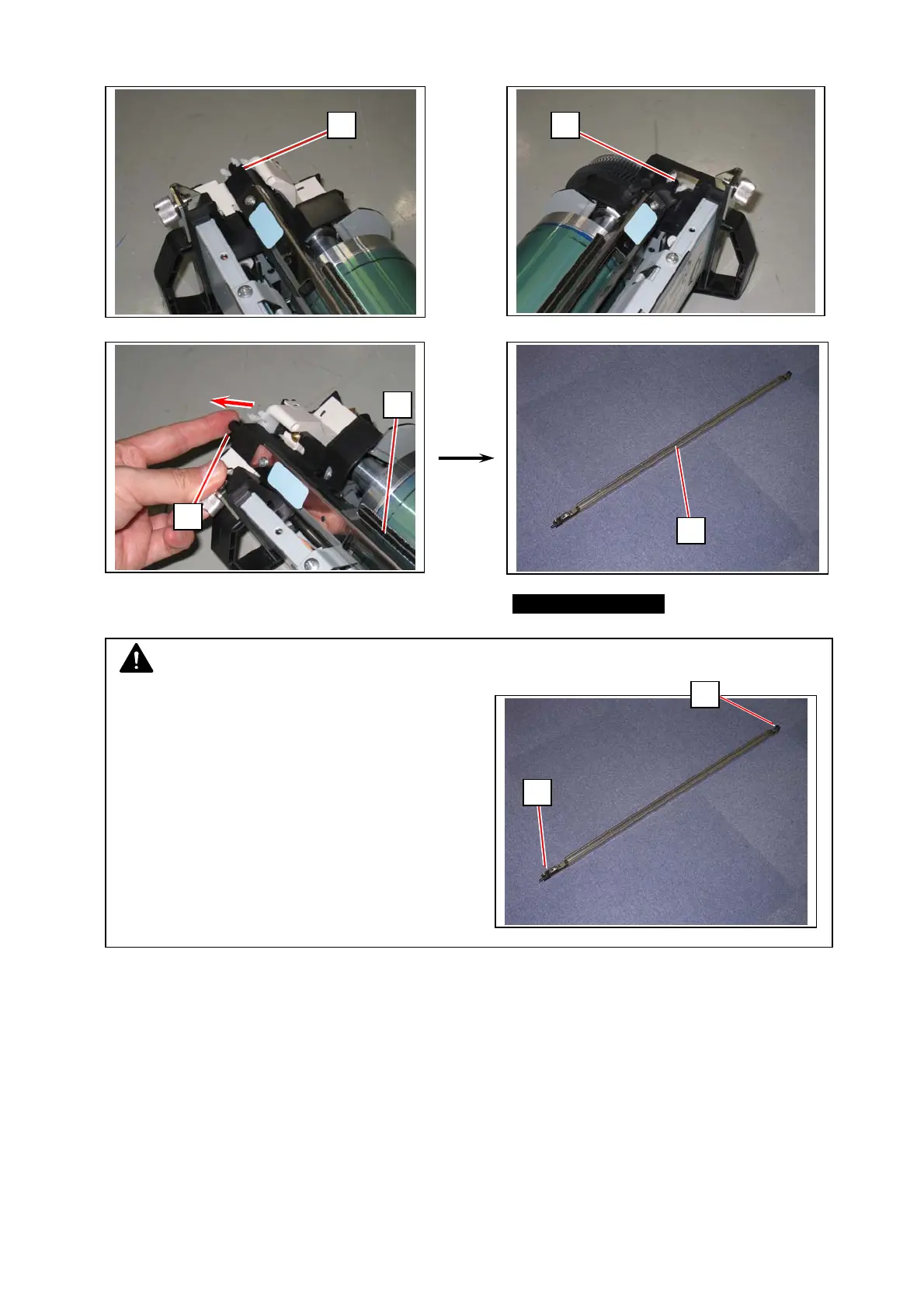
5. Pick the plastic area (8) on both sides. Release the pins (10) from the hook.
Pull and remove the Image Corona Unit (9) from the Process Unit.
6. Install both the pins (10) to the hooks to seat the new Image Corona Unit in position.
NOTE
Again hold the plastic area (8) on both ends to
carry the Image Corona Unit.
Grabbing in the middle may deform the housing
and cause image defect.
88
9
9
8
8
10



 To Next Page