K117sm8e9
8-123
4. Check for the program size and its checksum of the .mot file you have chosen.
Press [Update] to send it to the printer.
8. 12. 2 In case of transmission failure
Retry to send the firmware in the same way.
1. Go back to Home screen, check “Serial Port Setting”. [Auto Detection] may help.
2. If the communication cannot be established any more, that is because the firmware file stored
in PW11720 PCB would be collapsed.
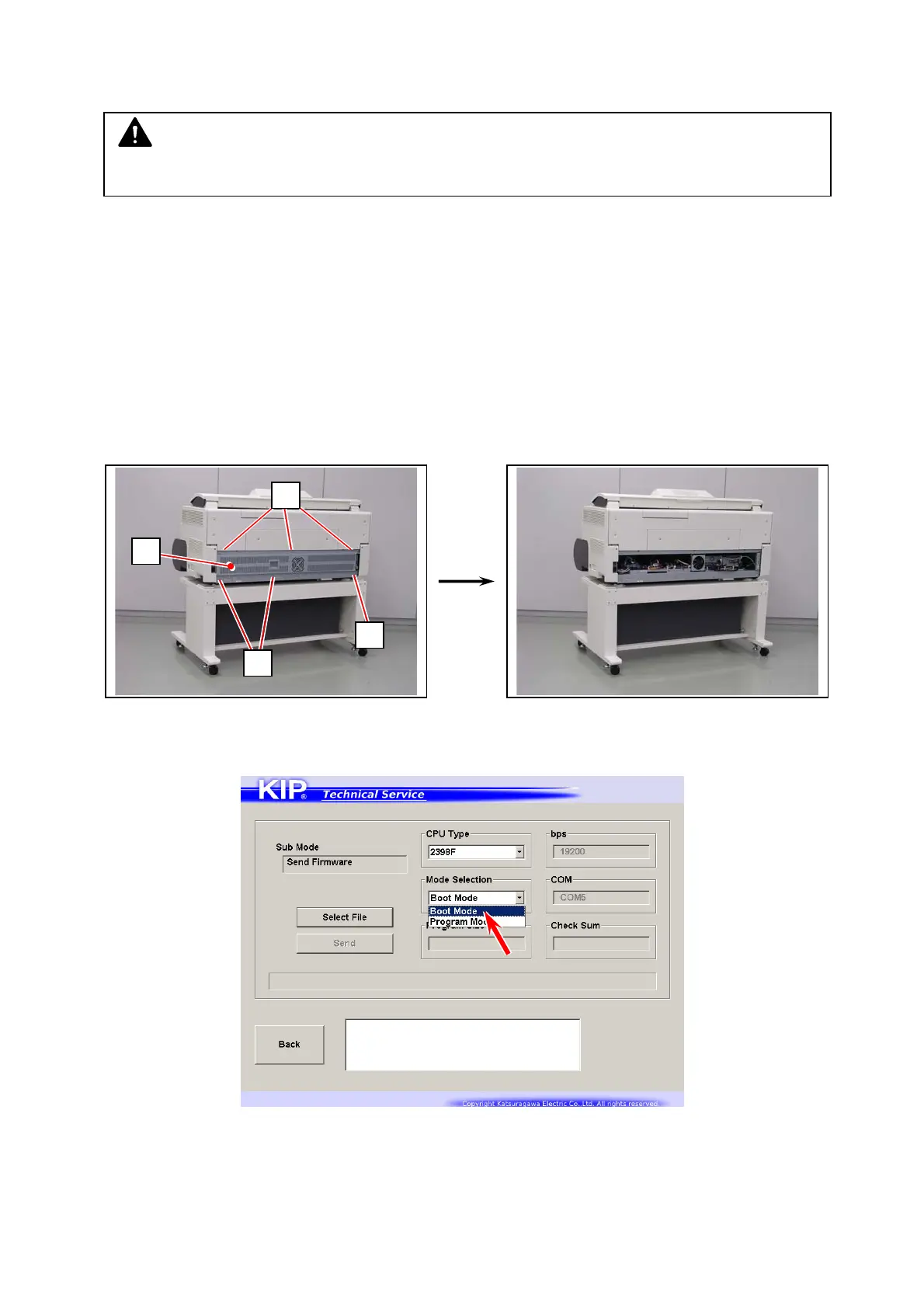
Turn off the machine. Loosen 2 screws (1), remove 4 screws (2) to remove the rear cover (3).
3. Turn on the machine.
On Send Firmware screen, choose “Boot Mode” from Mode Selection menu.
NOTE
“Program Size” and “Checksum” vary by the firmware version.
2
2
1
3



 To Next Page