K117sm8e8
8-91
8. 6. 5 Restoring Configuration from Backup
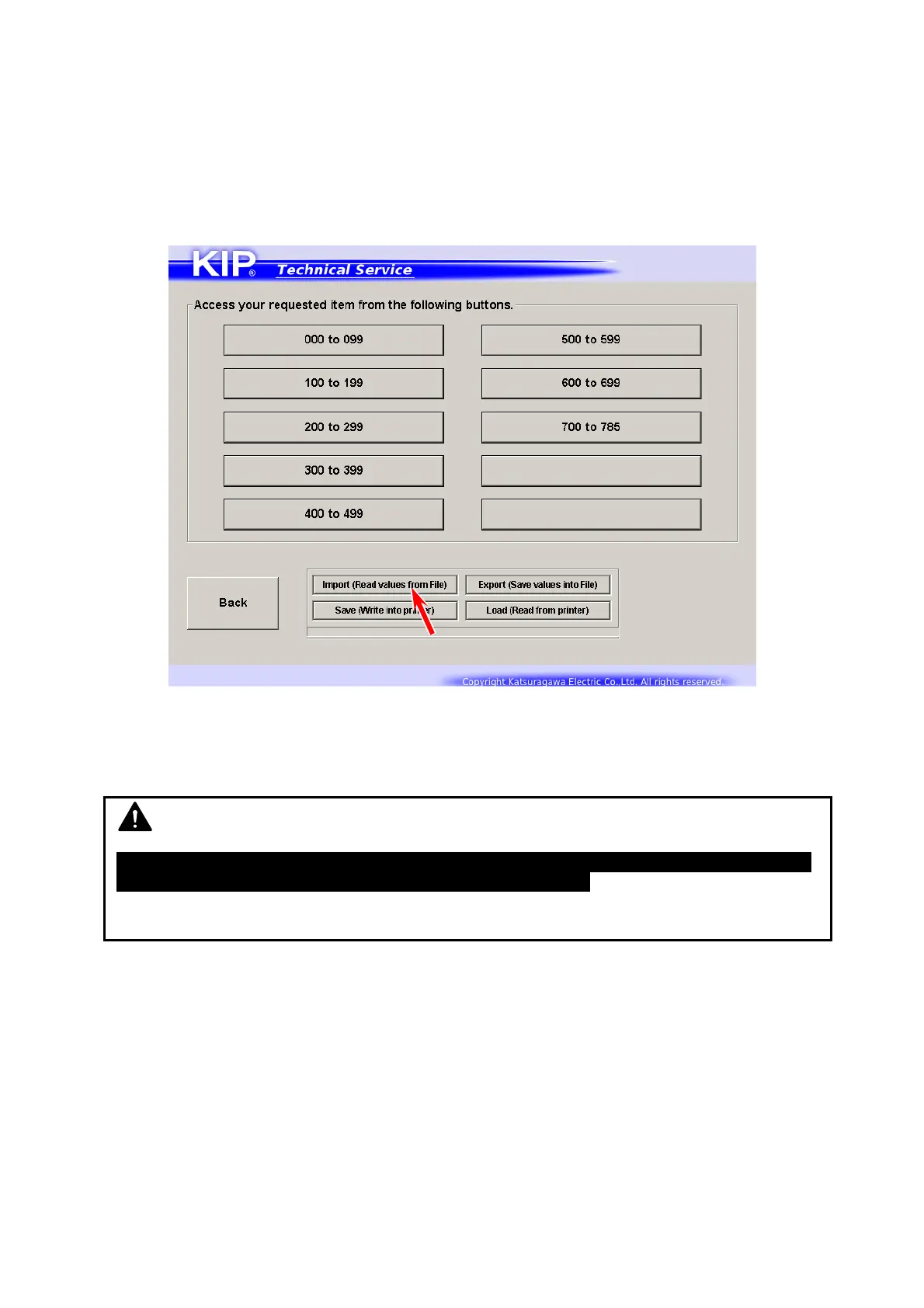
It is possible to restore the parameters by using a RAM file that has been saved before.
This can be used for the following possible cases.
- If the current parameters have loss or damage of data.
- To apply parameters of a certain printer to another.
1. Press [Import] in Adjustment Menu screen.
2. Locate and open a RAM file that you want to apply.
3. The system reads all the parameters in the RAM file.
Then the parameters will be applied to “New Value” field.
NOTE
At this point, KIP Service Software just reads and displays the parameters in the RAM
file, but the parameters do not take effect on PW11720 yet.
Follow the later step to apply the read parameters to PW11720.



 To Next Page