K117sm8e8
8-90
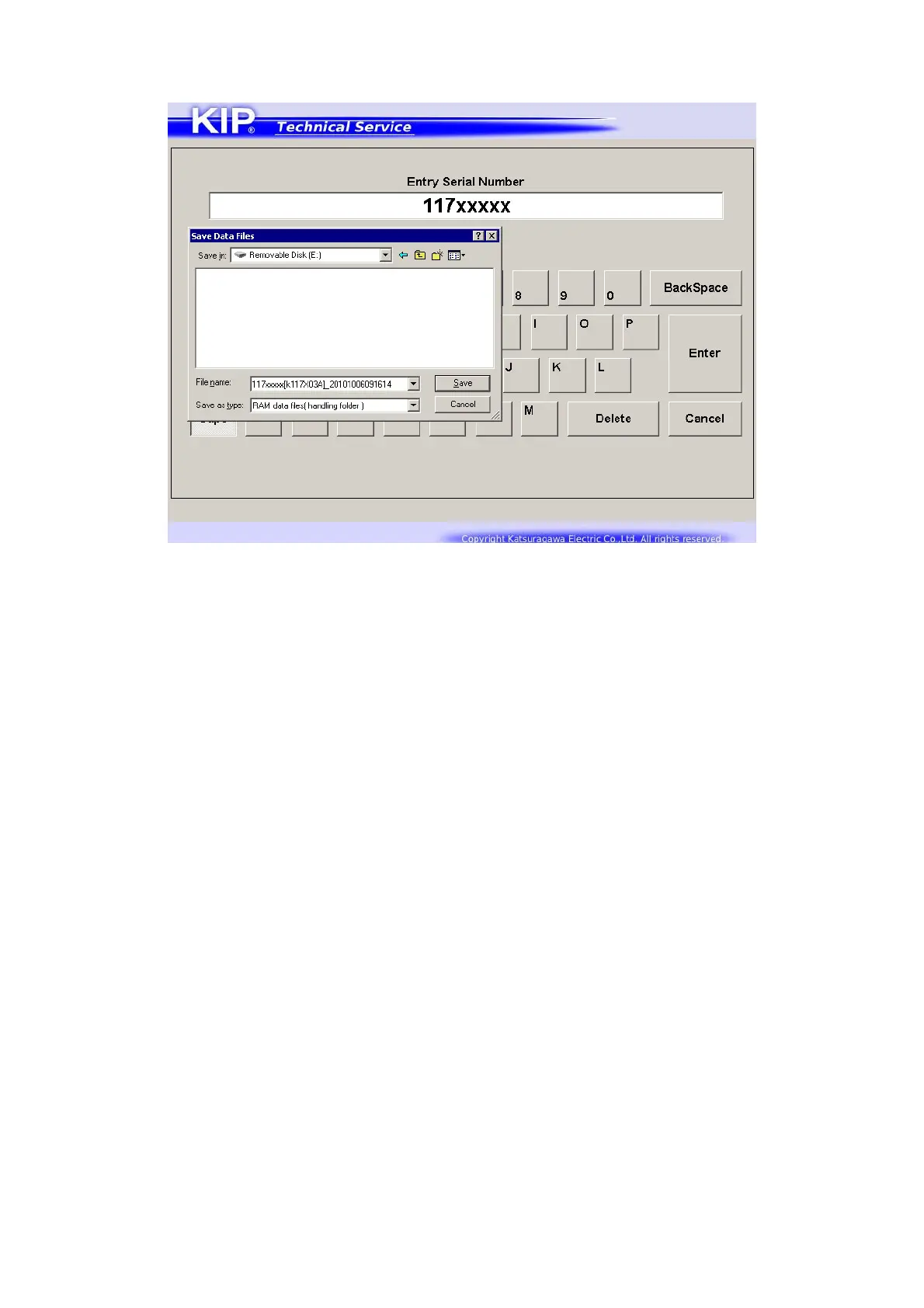
3. Specify a place to save the current parameter.
It will be saved as both *.txt and *.ram in a folder that is automatically created there at this time.
*.ram is used for backup of the current parameter. You can use it to import the parameter to
machines.
*.txt” is only used for simplified confirmation with an appropriate application such as Notepad.
4. You can print out the summary of the saved parameter at this time.
(Set 1 sheet of 210 x 297mm cut sheet to the Manual Feed Table)



 To Next Page