K117sm8eE
8-247
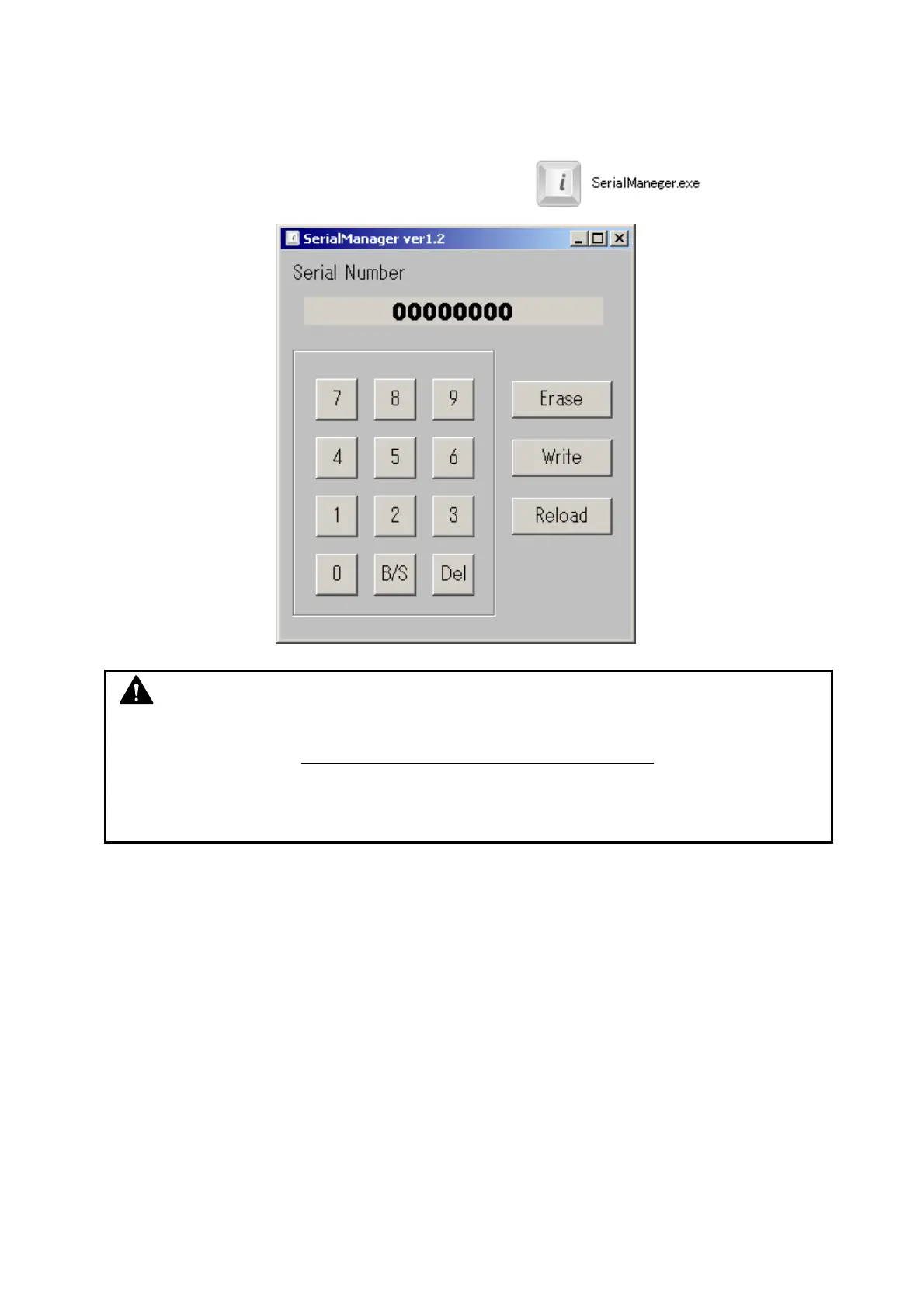
8. 14. 11 Serial Manager
The scanner’s Main Board stores its serial number (same with the machine S/N). As a service part
Main Board has no S/N information on it, you will have to write the serial number (with 8 digits) to
the scanner’s Main Board.
For writing a serial number, use “Serial manager.exe”.
NOTE
A Main Board with no S/N written or with a wrong S/N would be detected as an incorrect
hardware configuration. Some license key codes may not be accepted.
You cannot enter another S/N any more once registered, including correction of a
wrong entry.



 To Next Page