K117sm8eE
8-246
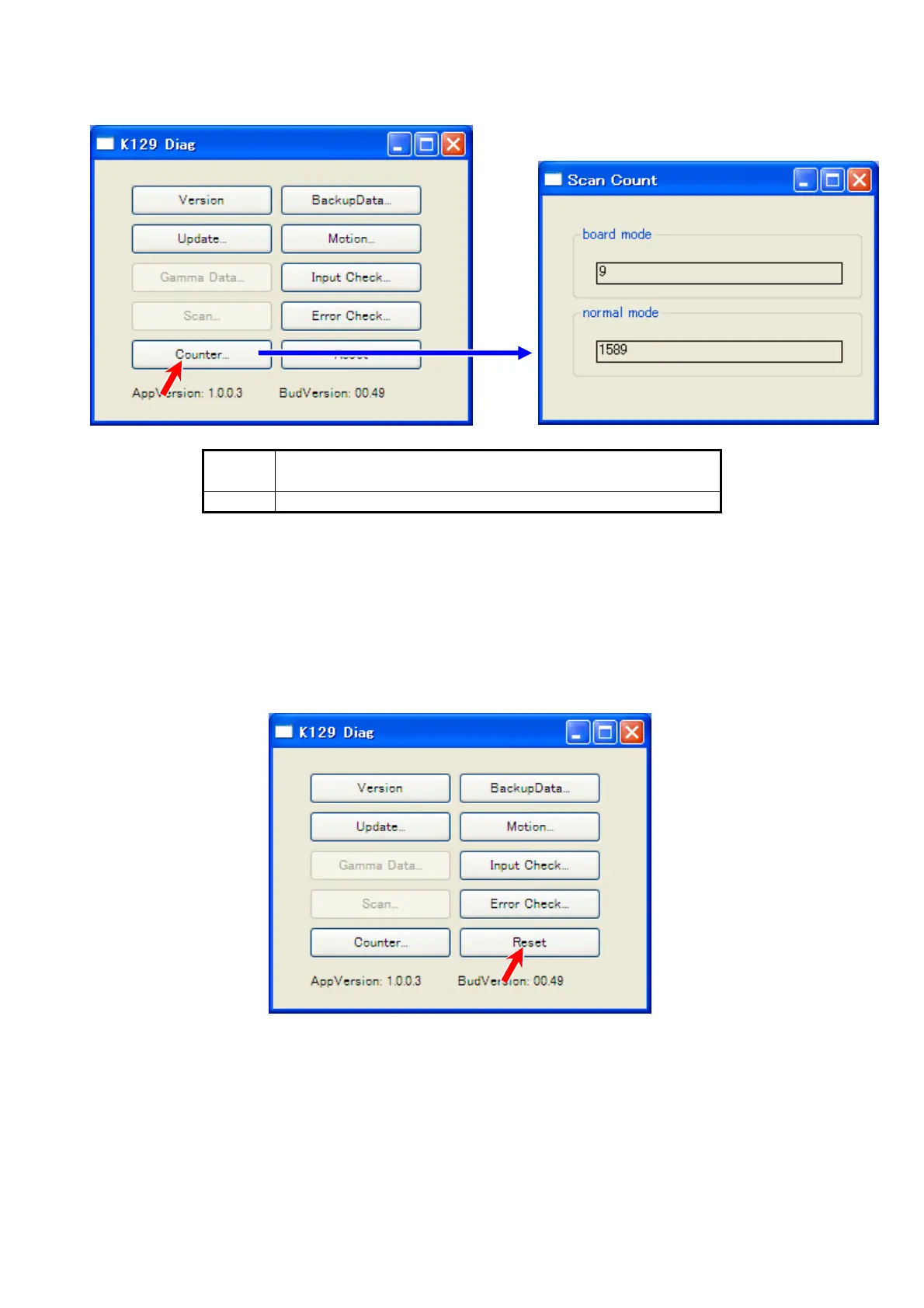
8. 14. 9 Counter
Pressing [Counter] recalls “Scan Count” sub window.
board scan count for “slow mode” scans
(“slow mode” is available on the controller / software)
normal scan count for normal speed
To close “Scan Count” sub window, click the X button at the top right corner.
8. 14. 10 Reset
Pressing [Reset] recalls a dialog. If you click [Yes], the communication will be re-established as
another session.



 To Next Page