K117sm8e5
8-41
8. 6. 3 Setting Item Explanation
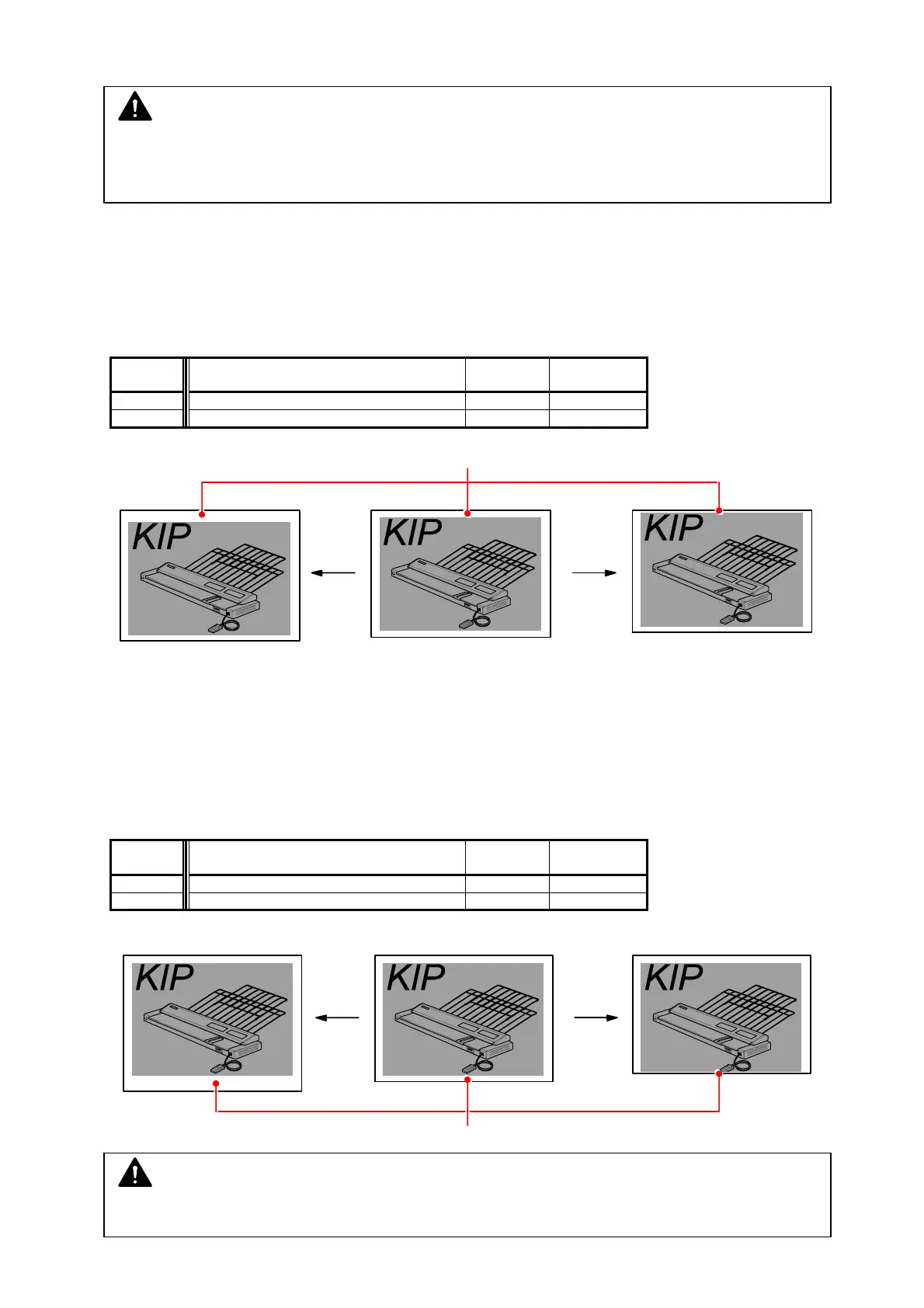
000, 001 Leading Registration
It is possible to specify where to start printing the image at the leading edge of the media.
If you increase the setting value by “+1 “, the head of image is shifted 1mm downward toward the
trailing edge As a result the leading margin becomes larger.
Item No. Setting Item Setting
range
Step of
increment
000 Leading Registration (Roll paper) 0 to 40 1mm
001 Leading Registration (Cut sheet paper) 0 to 40 1mm
Leading Registration
value is increased. value is decreased.
002, 003 Trailing Margin
It is possible to adjust the length of trailing margin.
The length of trailing margin becomes 1mm longer if you Increase the setting value by “+1 “.
Item No. Setting Item Setting
range
Step of
increment
002 Trailing Margin (Roll paper) 0 to 40 1mm
003 Trailing Margin (Cut sheet paper) 0 to 40 1mm
Setting value is increased. Setting value is decreased.
Trailing Margin
NOTE
Some trailing image may be lost if you decrease the value too much.
NOTE
Default Values may differ by individual machine. See the service sheet attached inside the
machine.
All items grayed are not generally for field technician use



 To Next Page