K117sm4e3
4-28
4. 3. 7 Positive Developer Bias to Developer Roller
The Positive Developer Bias means the voltage supplied to the Developer Roller during the
Cleaning Cycle.
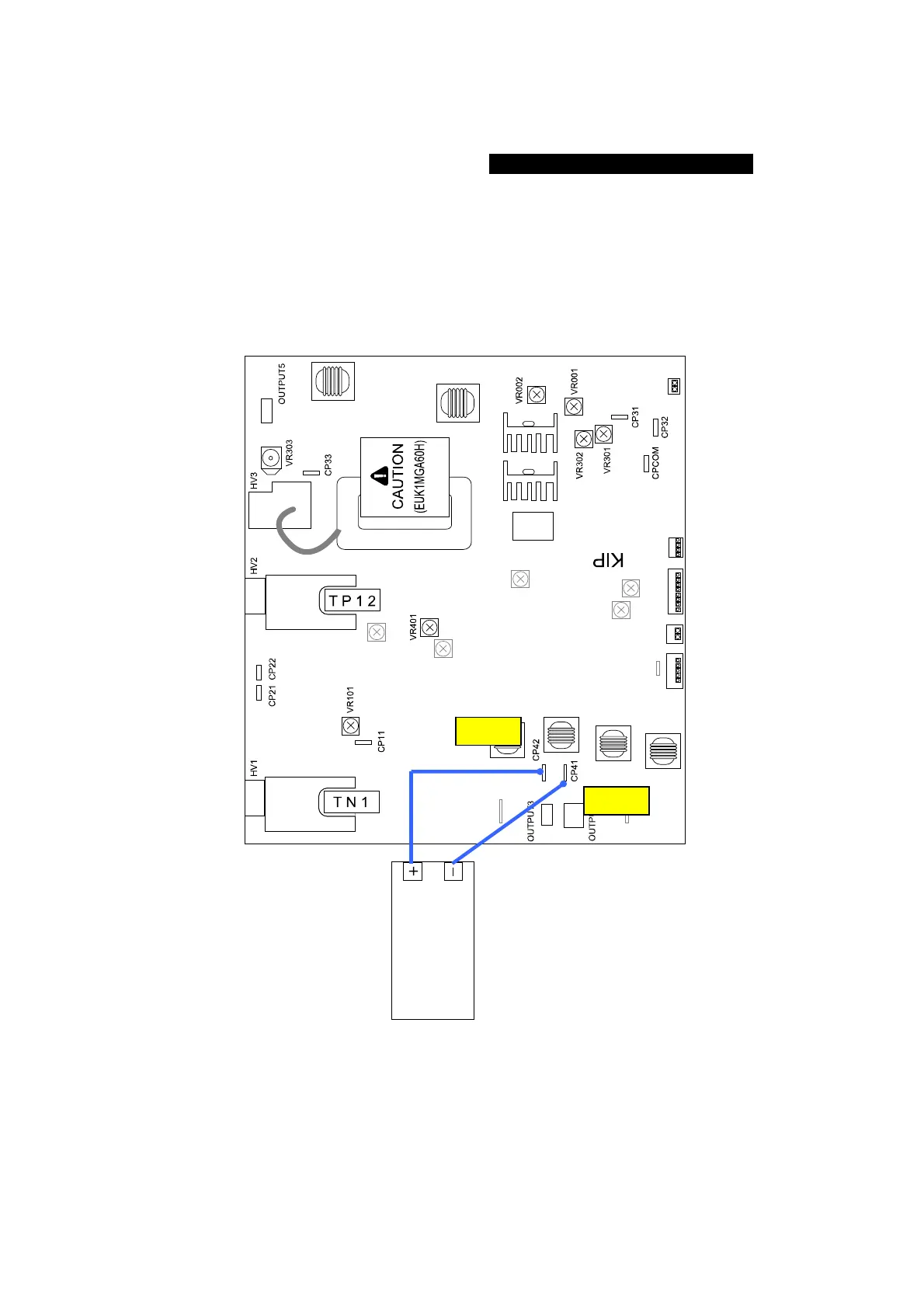
The standard value of the Positive Developer Bias is 0.350 +/-0.005V against the CP42.
Check and adjust the Negative Developer Bias in the following way.
1. Connect the “+” cable of the multi-meter to “CP41” pin on the HV Power Supply PCB
(EUK1MGA60HA).
Also connect the “-” one to “CP42”.
And then, select the DC volt range on the multi-meter.
multimeter
(DC)
CP41
CP42



 To Next Page