K117sm8e6
8-58
048, 049 Fuser Temperature Control Range
It is possible to specify the control range of temperature of Fuser Roller.
If you specify some setting value “X” on these No.048 and 049, for example, you can decide the
highest limit and the lowest one of the control range of temperature.
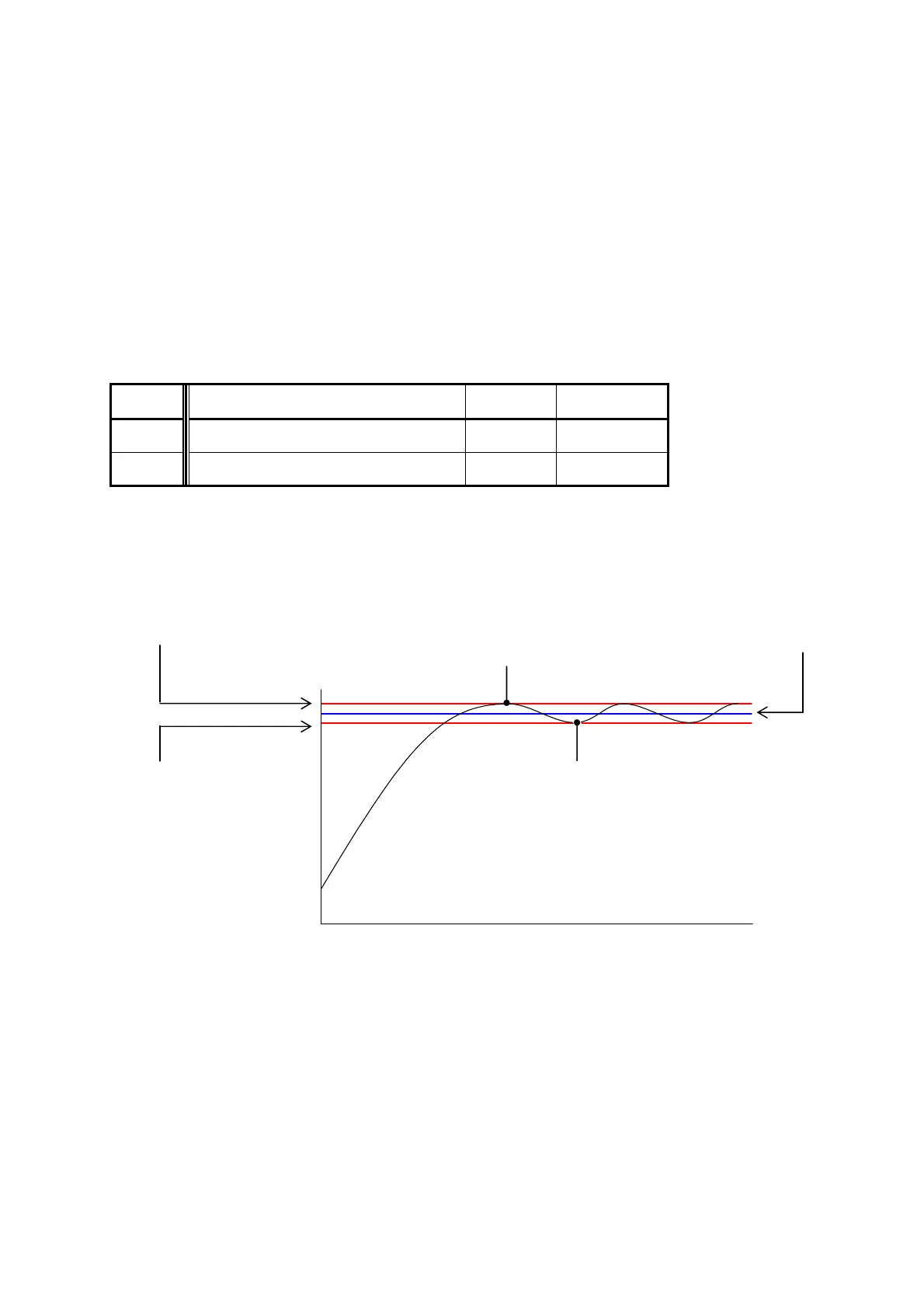
The highest limit is “Fuser Temperature (Decided in No.625 to 648, and 738)” plus the setting
value “X”.
And the lowest one is “Fuser Temperature” minus “X”.
The Fuser Lamp continues to light up when the temperature of Fuser Roller is colder than the
highest limit, and it is put out when the temperature reaches the highest limit.
The Fuser Roller gradually gets colder after that, and the Fuser Lamp lights again when the
temperature reaches the lowest limit.
Control range can be decided separately to each condition “in the print cycle” and “stand by”.
Item No. Setting Item Setting
range
Step of
increment
048 Fuser Temperature Control Range
(In the print cycle)
1 to 6 1
o
C
049 Fuser Temperature Control Range
(Stand by)
1 to 6 1
o
C
Example: Value of No.049 (Fuser Temperature Control Range) is “10”
Value of No.738 (Standby - Fuser Temperature) is “160”
Highest limit of control range Standby Fuser Temperature
(170
o
C) (160
o
C)
Fuser Lamp turns OFF.
(
o
C)
Lowest limit of control range Fuser Lamp turns ON.
(150
o
C)
0 (Time)



 To Next Page