K117sm8e6
8-54
022 to 027 Developer Bias
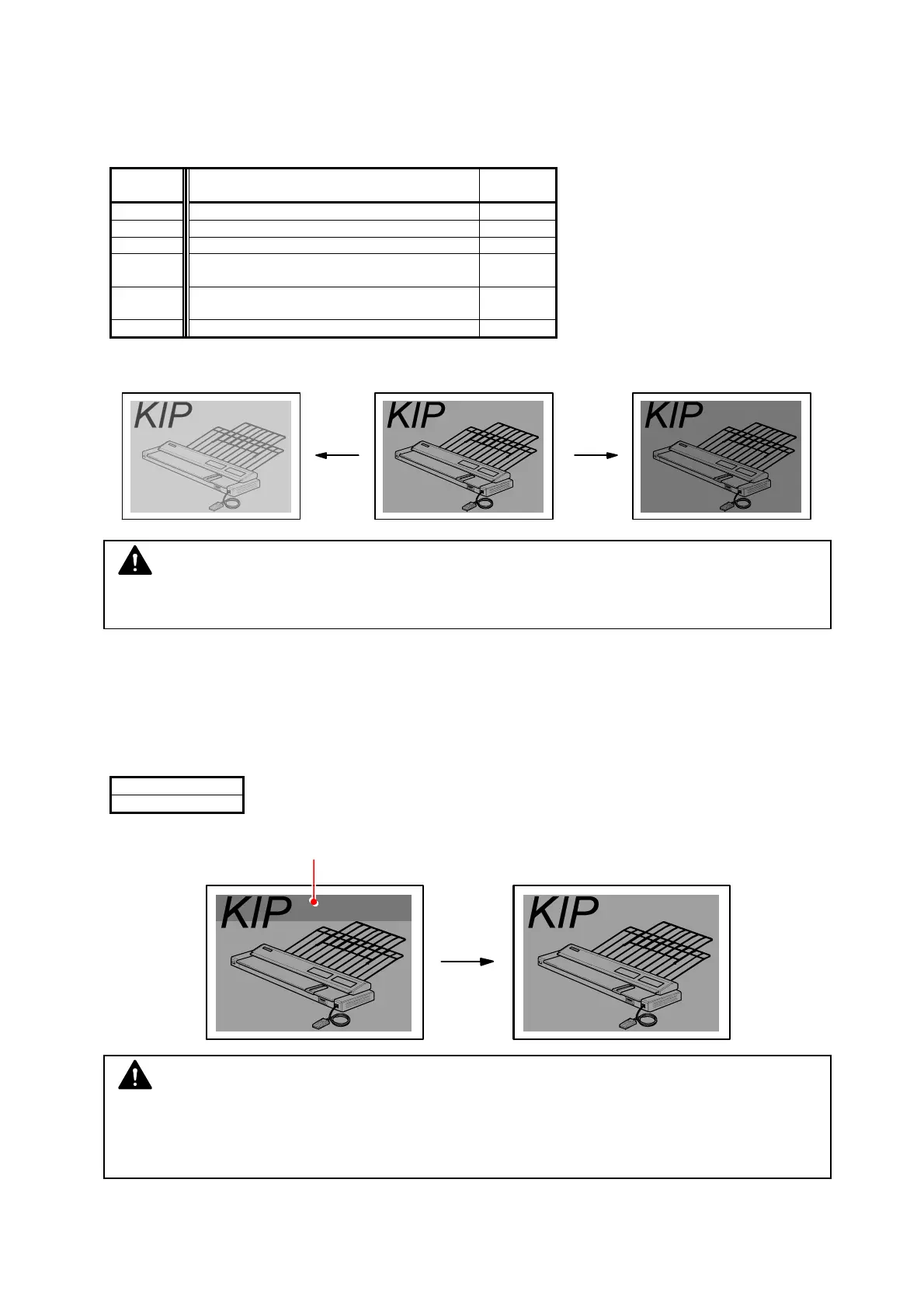
It is possible to make the print density darker or lighter by adjusting the Developer Bias (Negative
Developer Roller Bias).
The print density becomes lighter if you increase the setting value.
Item No. Setting Item Setting
range
022 Developer Bias (Plain paper) 0 to 4FF
023 Developer Bias (Tracing paper) 0 to 4FF
024 Developer Bias (Film) 0 to 4FF
025 Developer Bias
(Special media / Plain paper)
0 to 4FF
026 Developer Bias
(Special media / Tracing paper)
0 to 4FF
027 Developer Bias (Special media / Film) 0 to 4FF
Setting value is increased. Setting value is decreased.
028 Developer Bias compensation - 1st Drum revolution
It is possible to compensate the Developer Bias only for the 1st Drum revolution.
The print density becomes lighter if you increase the setting value.
(Developer Bias is not compensated at all if the setting value is “0”)
Setting Range
0 to 255
Density of leading area is darker. Setting value is increased.
(Even density)
NOTE
Please adjust the Developer Bias while checking the actual voltage with the multi-meter.
NOTE
There may be the case that the density of leading area, which corresponds to the 1st
revolution of Drum, is darker than other area.
In this case compensate the Developer Bias to have even density on both areas.



 To Next Page