K117sm8eE
8-245
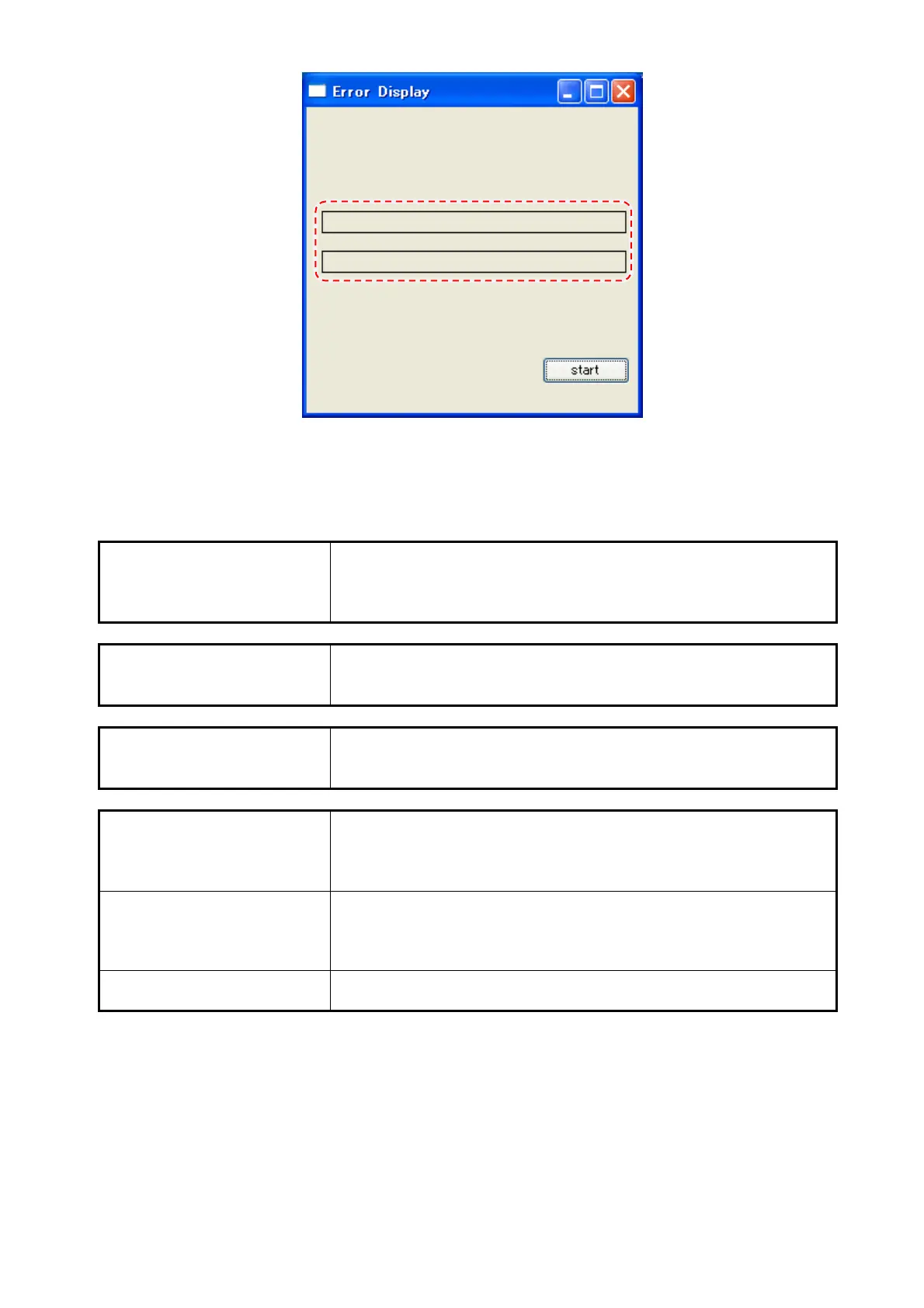
3. Wait several seconds. If there is no error, the fields in the middle of the window indicate nothing.
4. To close “Error Check” sub window, click the X button at the top right corner.
8. 14. 8. 2 Error List
communication error Connection lost.
- Check for the power supply and USB port on the scanner /
PC that K129 Diag runs.
- Cycle the power on both the scanner / PC.
document cover open Upper Unit is not closed.
- Firmly close the Upper Unit.
- Check S_PH8.
jam at document feed Document jam is detected.
- Remove the jammed document.
- Check S_PH1 and S_PH7.
document feed roller HP
error
Error on drive system. HP is not detected in the roller’s one
rotation.
- Check S_PH9.
- Check drive system (gear, roller, motor).
shading sequence error Shading data is abnormal.
- Import the shading data.
- Perform Shading Compensation.
- Check the scanner’s Main Board.
document width error Size detection discrepancy.
- Check size sensors.



 To Next Page