K117sm8eE
8-167
8. 14 K129 Diag (for New Scanner)
8.14. 1 K129 Diag Overview
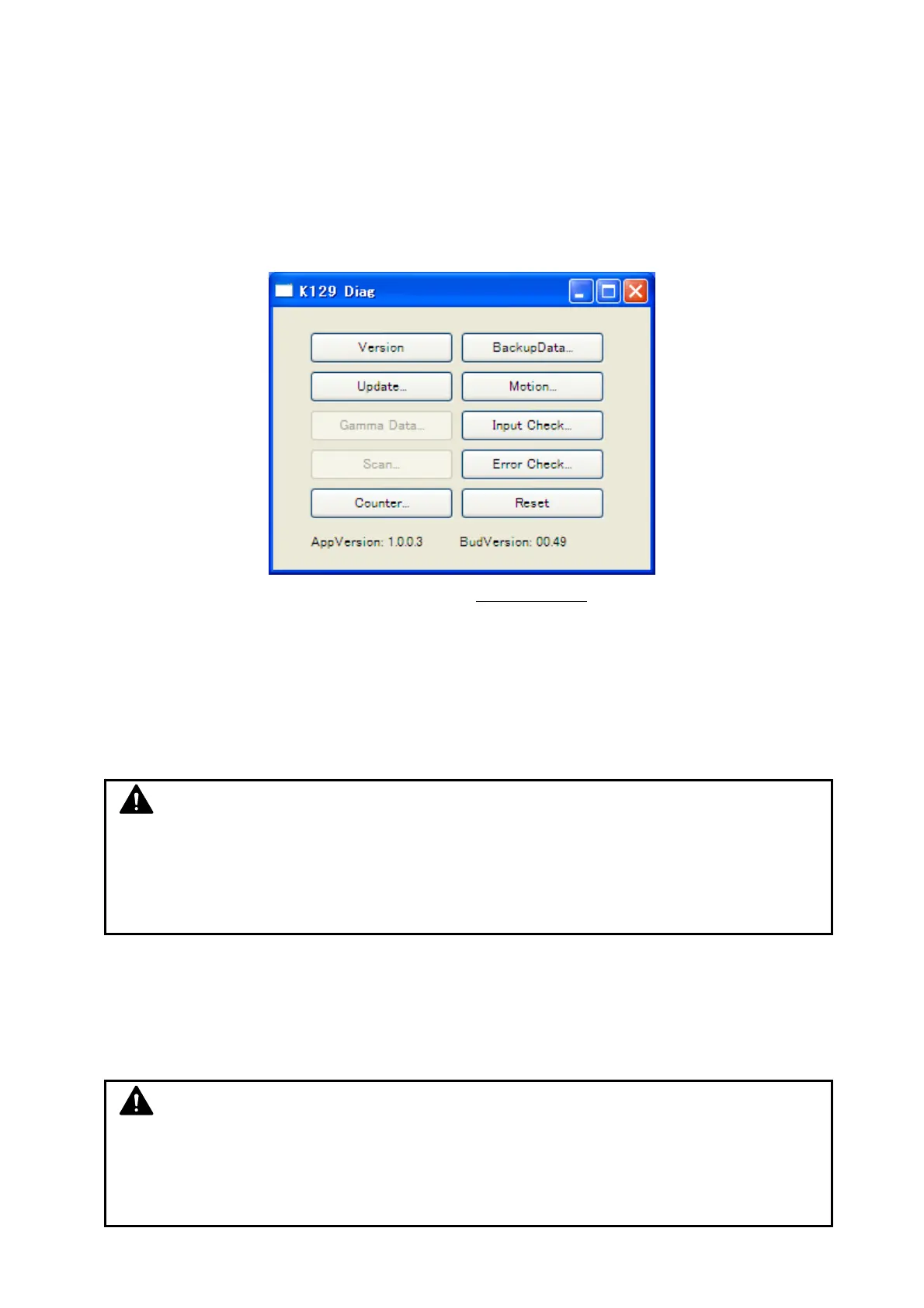
“K129 Diag” is an integrated utility application that operates as an interface for monitoring,
checking and setting configuration for field service.
K129 Diag can run on a service PC, the customer’s PC and the “IPS (KIP Printer’s controller) with
its touchscreen” as well.
K129 Diag Home
(version 1.0.0.3.49
or equivalently said as 1.0.0.3 BUD 00.49)
K129 Diag is required when;
- the scanner’s Main Board is replaced
- one of the CIS is replaced
- you want to create a recovery point of the parameters ( = backup)
- you have to import an existing backup data to the scanner ( = restore)
- you want to confirm the detailed error status
- you want to upgrade the firmware...
8. 14. 1. 1 K129 Diag System Requirements
- Microsoft Windows XP / Vista 32 bit, or Windows 7 64 bit / 32 bit Operating System
- USB 2.0 hardware support
* No warranty is given as to the entire functionality of K129 Diag on any system with the above operating system.
NOTE
(1) The screenshot images in Chapter 8 may vary by system configuration / software
version. Shown with available options.
(2) This chapter uses K129Diag.exe on a service PC for example. It can run on the
customer’s PC (scanner controller) or the supported KIP IPS.
NOTE
Get the latest (or the proper version of) K129Diag.exe and save it to any available storage
on your PC / removable storage. (no change to the registry required)
As of September 2012: USB Driver version 1.0.0.4 / K129 Diag version 1.0.0.3.49



 To Next Page