K117sm8e5
8-42
004 Side Margin (Left & Right)
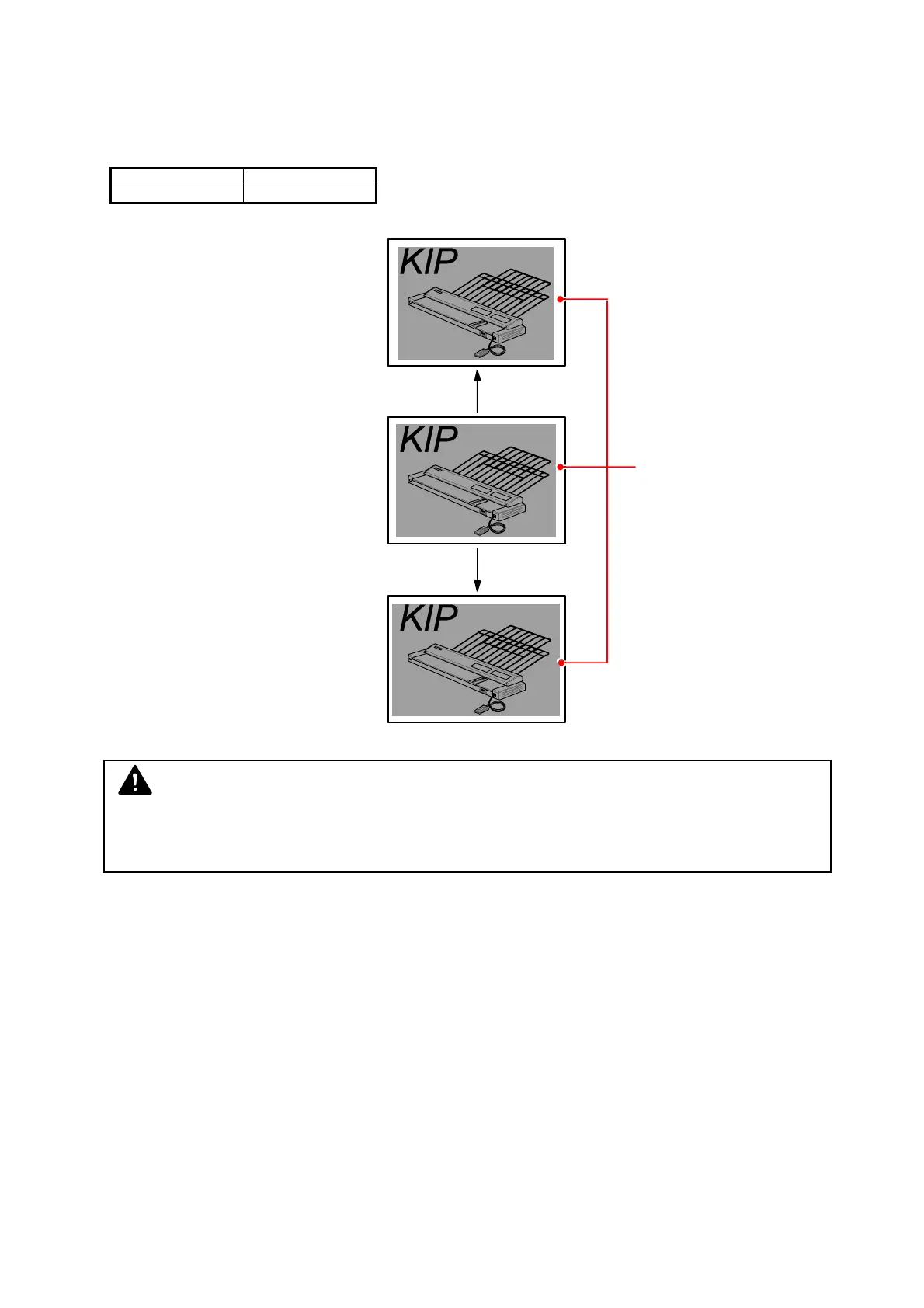
It is possible to adjust the amount of side margin. (Both left and right)
Each side margin becomes 1mm wider if you increase the setting value.
(As a result the width of print image becomes 2mm narrower.)
Setting Range Step of increment
0 to 20 1mm
Setting value is increased.
Side Margin
Setting value is decreased.
NOTE
Image quality created with a reduced side margin (less than 3 in the setting value) is not
guaranteed.



 To Next Page