K117sm8eC
8-143
8. 13. 4. 2 Feed Distance (1:1)
[Purpose of Feed Distance (1:1)]
The lengths between actual original image and scan image may become different each other if you
replace the Feed Roller of the Scanner Unit.
This is caused by the mechanical play that each Feed Roller has.
Actual original image Scan image
“Feed Distance” is the solution for this phenomenon.
It compares the actual original image and the scan image to know how much their lengths are
different.
Then “Feed Distance” calculates the best compensation (motor speed) automatically so that both
images should become as long as each other.
[Necessary situation]
Feed Distance is required when;
• After replacing;
(1) Feed Roller R
(2) Feed Roller F
Also you need to check whether the Feed Distance is proper after replacing the following parts.
(Please record the current setting value before the replacement and input the same value after the
replacement.)
(1) CIS
(2) Main Board (117)
NOTE
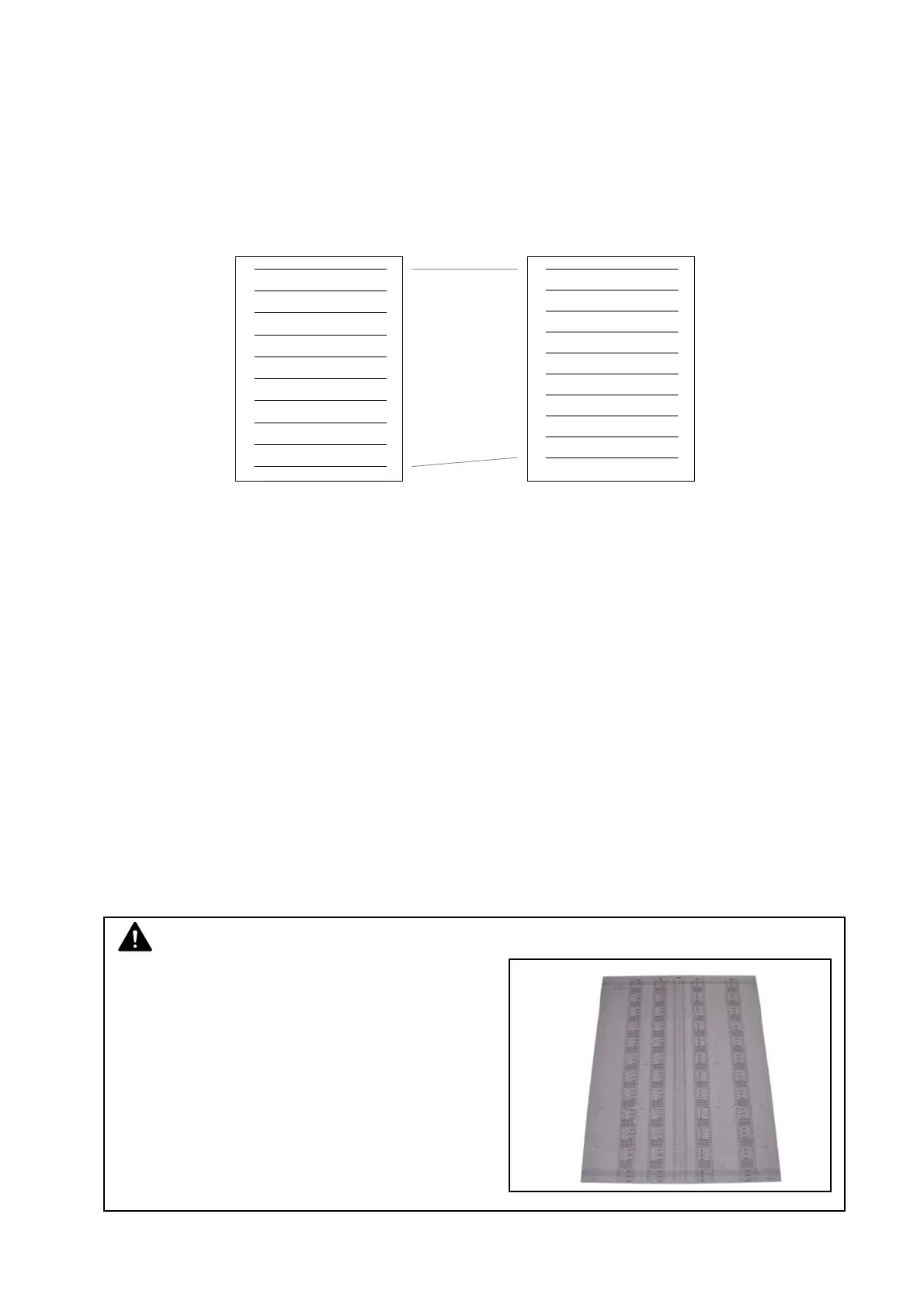
(1) Feeding Distance adjustment should be
performed with Scanner Adjustment Chart
(P/N: Z058501590).
(2) Feeding Distance adjustment should be
performed with “KIP Scanner Utility 1.23 (or
later)”.
No “K105Utility”.



 To Next Page