K117sm8e6
8-53
019 Leading Margin
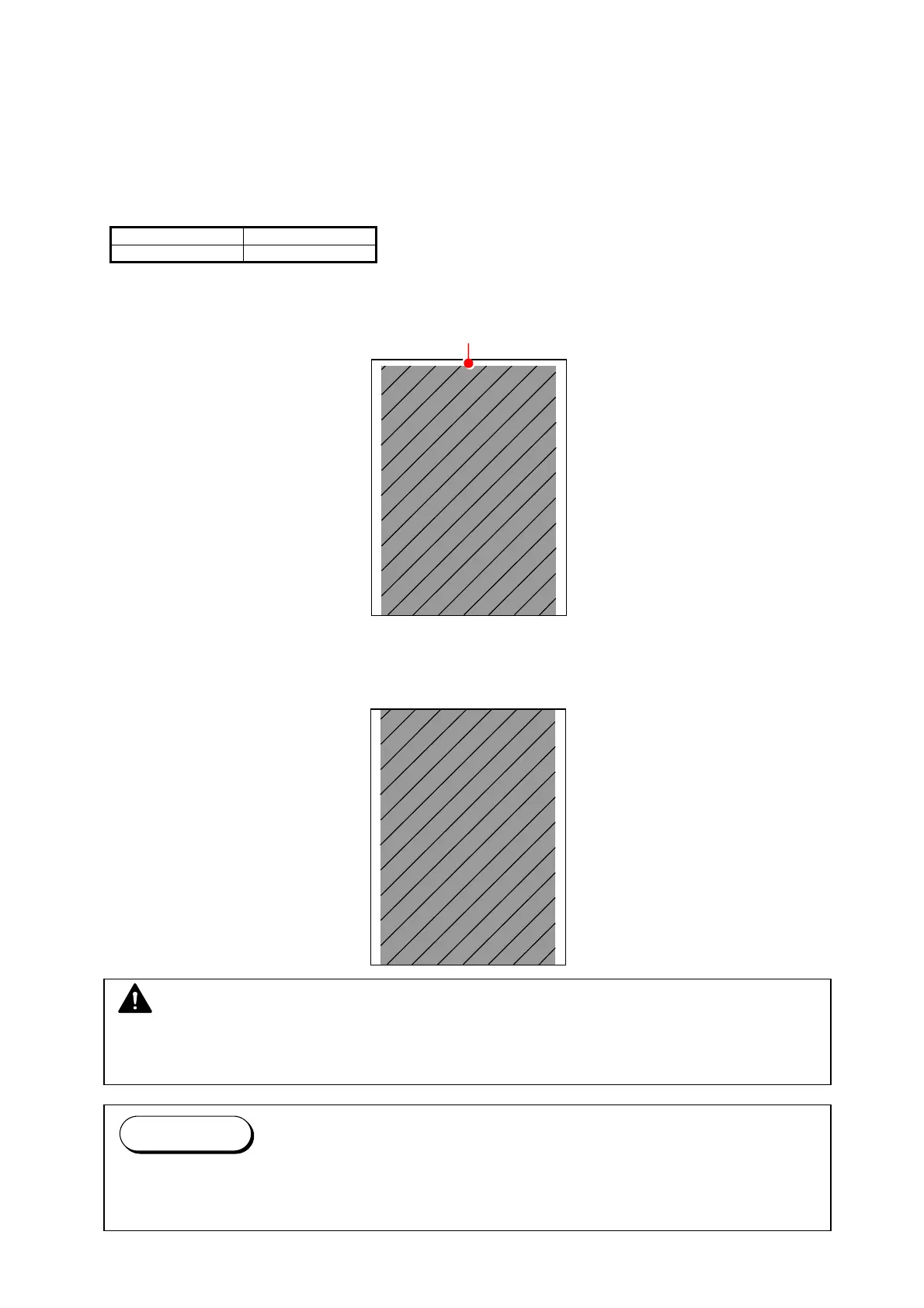
It is possible to adjust the length of the leading margin.
An image portion that corresponds to the given length of the leading margin is not printed.
The length of the leading margin becomes 0.1mm longer if you Increase the setting value by “+1 “.
Changing the value to “0” removes whole the margin, thus a portion image on the leading edge will
appear.
Setting Range Step of increment
0 to 50 0.1mm
Default: 30
A 3mm Leading Margin added to leading edge.
Hides the corresponding part of image.
Example: 0
Leading Margin disappears.
Corresponding part of image printed.
NOTE
There is no guarantee of proper operation and image quality with a reduced leading margin
(less than 30 in the setting value).
Reference
Setting to “0” may result in a jam in Fuser Unit and a ghost image at approximately 252mm
from the leading edge.



 To Next Page