K117sm8eE
8-181
8. 14. 4. 3 Editing Backup Data File
You can edit a saved backup data file. (*.csv) Such an edited file can be used for restoring / setting
change purpose.
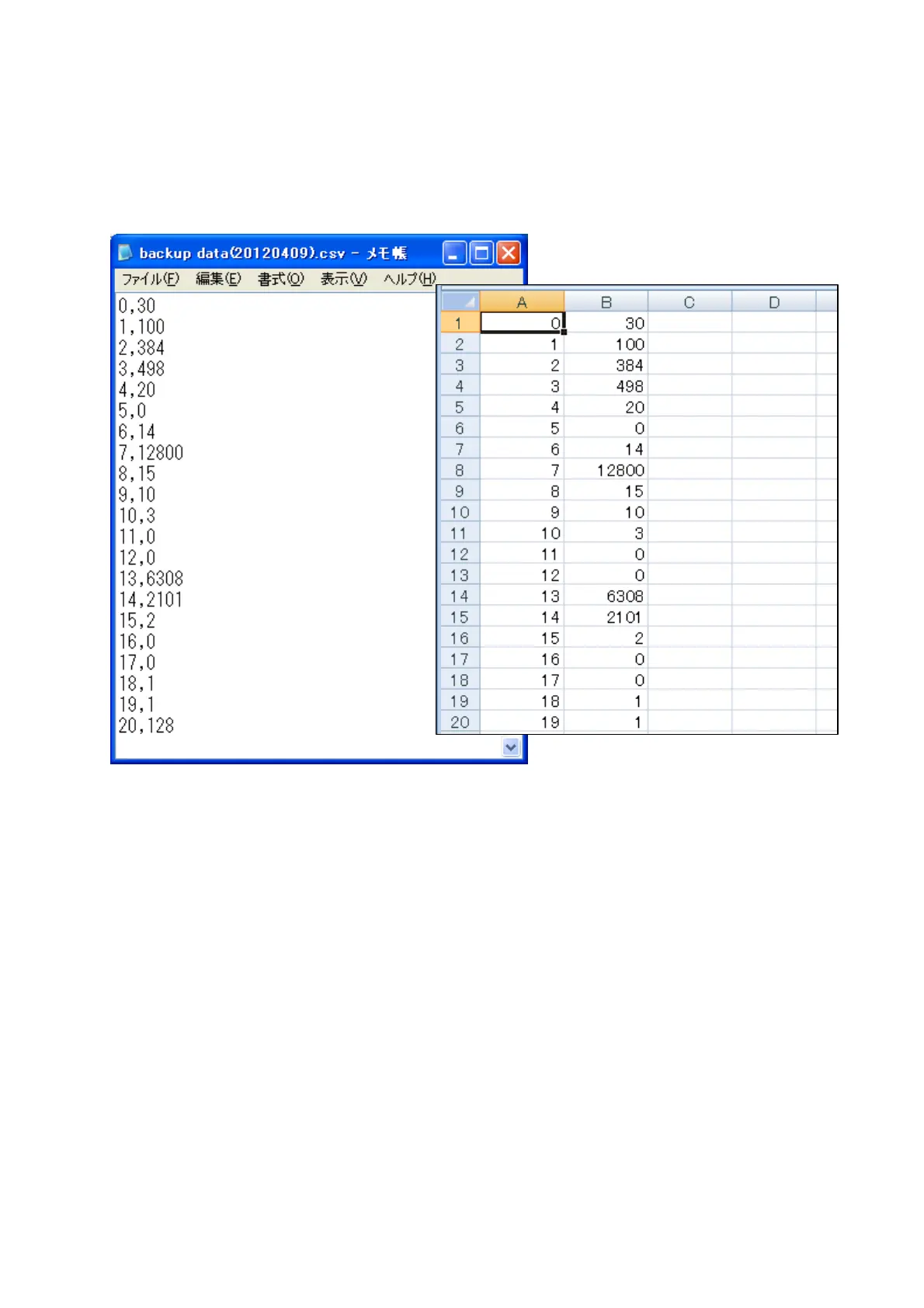
1. Open the backup data file (*.csv) with Notepad or Microsoft Excel for example.
2. (Notepad) You may change the numbers to the right of comma.
(Microsoft Excel) You may change values in the second column “B”.
3. Save the file.
4. You can use the file for restoring / setting change purpose.



 To Next Page