K117sm7e2
7-27
7. 2. 2.14 Image looks not sharp
Check the following matters with the Test Pattern No.1 S(0).
If necessary use other Test Patterns.
Cause Checking
order
Checking Result Treatment
Dirt of the LED
Head
1 Is the LED Head dirty? Yes Clean it.
Installation of LED
Head
2 Remove the LED Head, and then re-
install it to the machine.
Is the problem fixed?
Yes OK
Transfer /
Separation Corona
3 Is the Transfer / Separation Corona
dirty?
Yes Clean it.
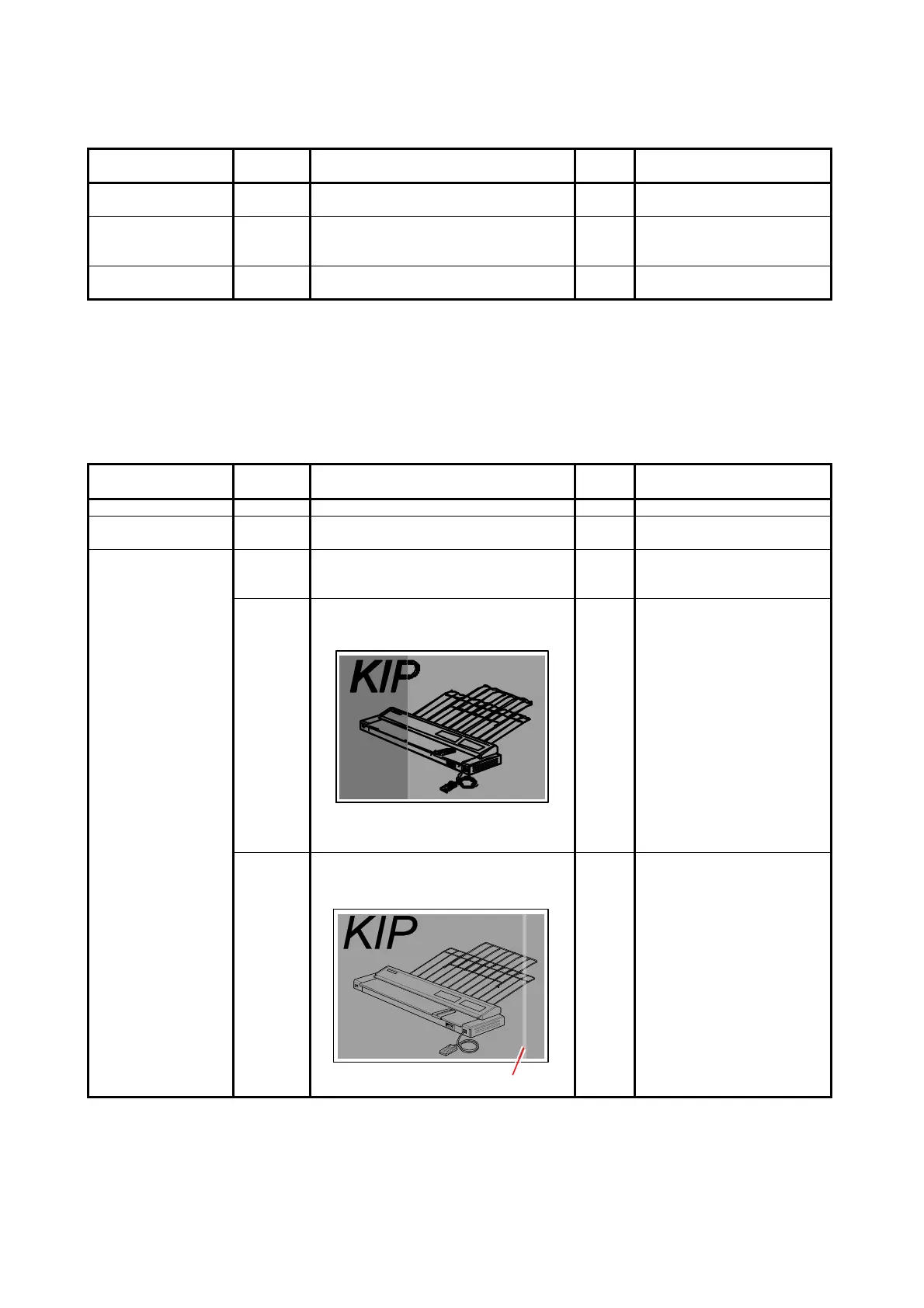
7. 2. 2.15 Uneven image density (vertical)
Check the following matters with the Test Pattern No.1 S(0) and No.7 S(0).
If necessary use other Test Patterns.
Cause Checking
order
Checking Result Treatment
Image Corona 1 Is the Image Corona dirty? Yes Clean it.
Transfer/Separation
Corona
2 Is the Transfer/Separation Corona
dirty?
Yes Clean it.
Installation of LED
Head
3 Remove the LED Head, and then re-
install it to the machine.
Is the problem fixed?
Yes OK
4 Is the density of any image block
different from that of other blocks?
Yes Adjust the density. (See
[8.6.3 008 to 010 Strobe
Time for Main Pixel])
Replace the entire LED
Head Unit with a new one.
5 Is the width of abnormal density area
about 8mm as follows?
8mm
Yes Replace the entire LED
Head Unit with a new one.



 To Next Page