K117sm8eC
8-166
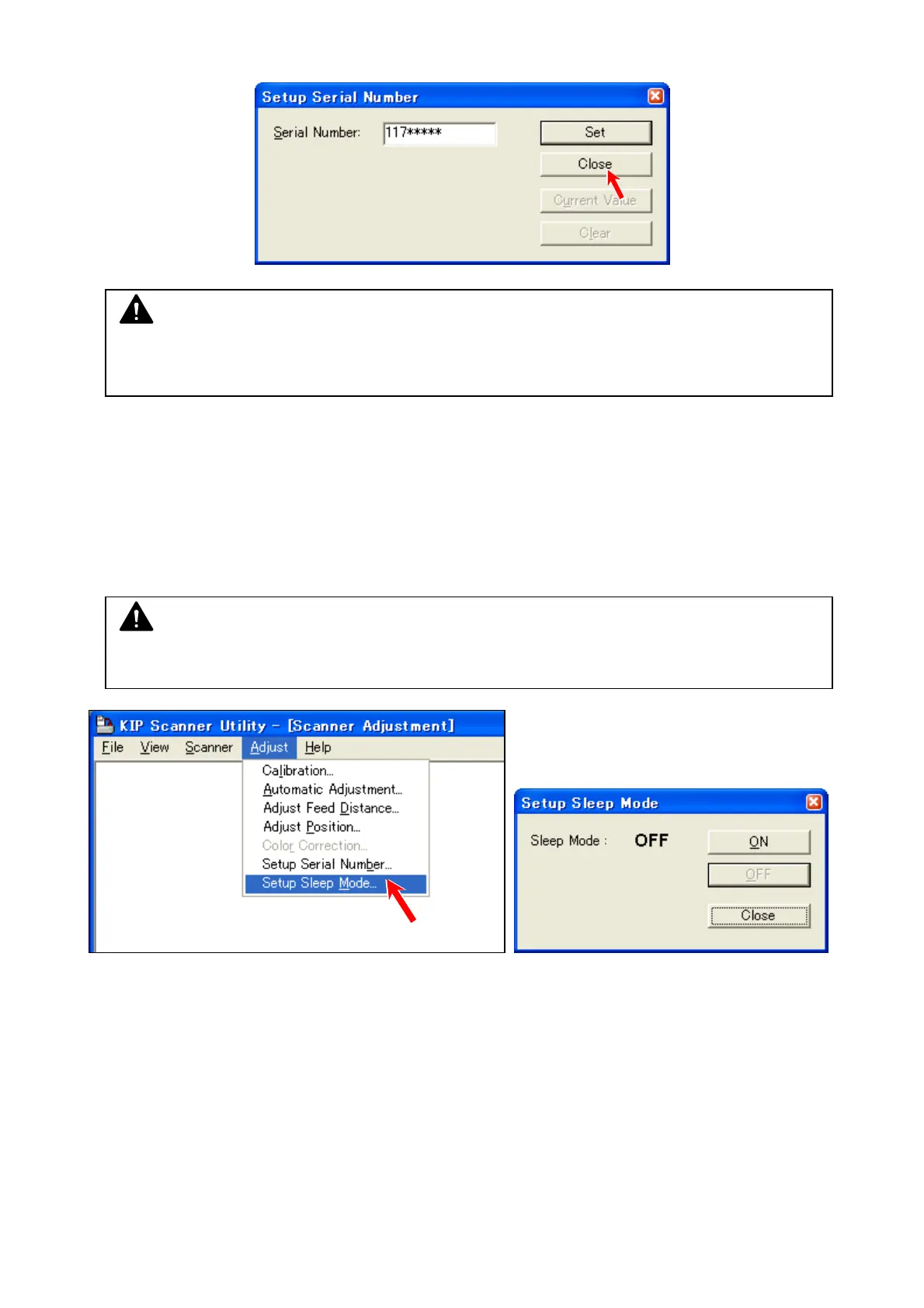
7. If you are sure that the entered serial number is correct, press [Close].
8. 13. 7 Scanner Assembly Sleep
Scanner Assembly has the ability to enter sleep mode individually based on the scanner firmware.
Keep its switch setting unchanged from the factory default.
NOTE
Your entry will be finalized by pressing [Close].
Once a serial number has been registered, you cannot enter another serial number.
NOTE
Scanner Firmware 1.21 or higher, and Scanner Utility 1.51 or higher are required.



 To Next Page