K117sm8eE
8-248
8. 14. 11. 1 Serial Manager System Requirements
- Microsoft Windows XP / Vista 32 bit, or Windows 7 64 bit / 32 bit Operating System
- USB 2.0 hardware support
8. 14. 11. 2 Starting Serial Manager
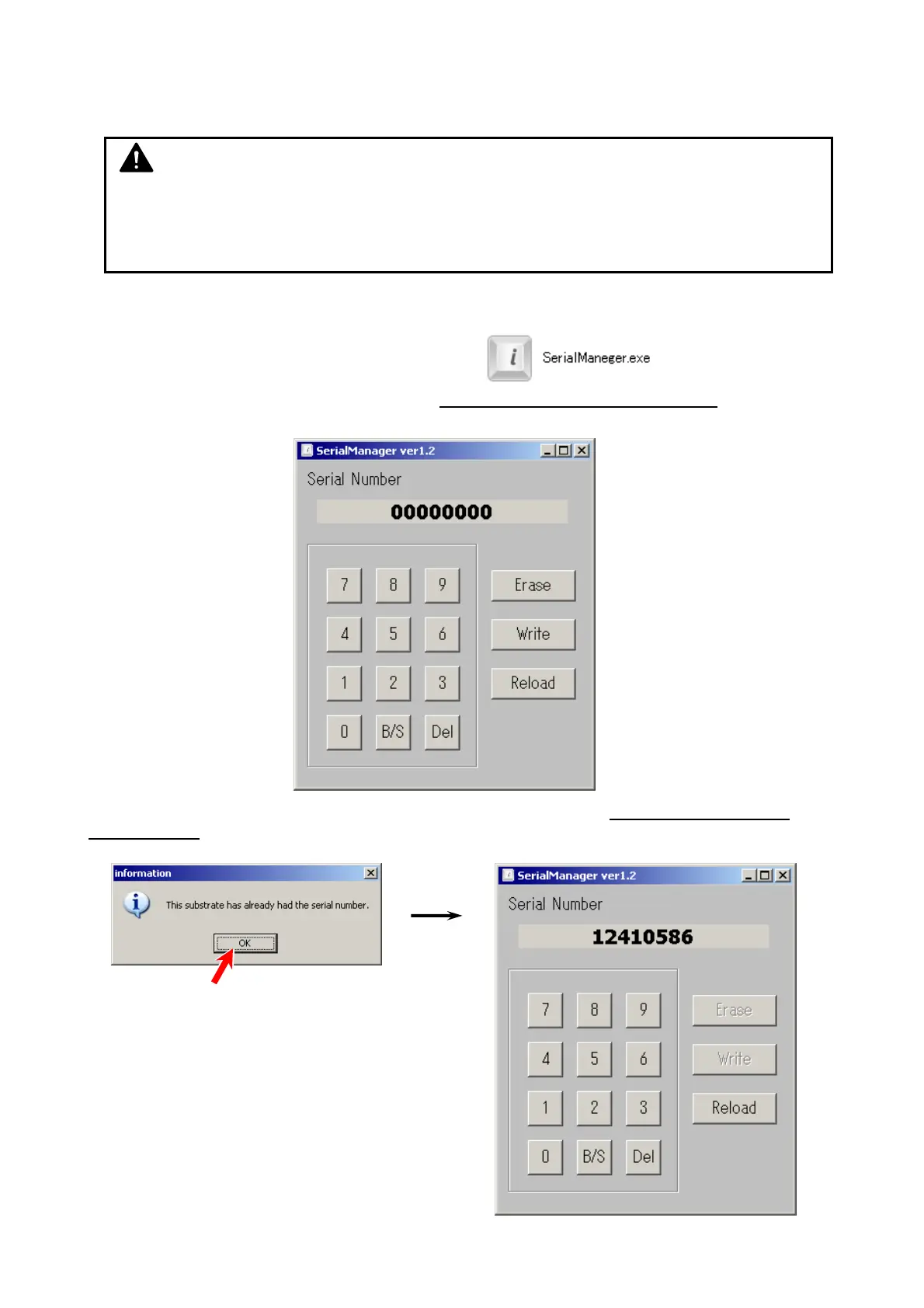
Just run “SerialManager.exe.” on your PC.
When your PC connects to a scanner with the scanner’s Main Board service part
, Serial
Manager shows “00000000” in the Serial Number field.
When your PC connects to a scanner with the scanner’s Main Board having its serial number
written already, a notification pops up, and then Serial Manager shows the written serial number.
NOTE
Get the latest (or the proper version of) SerialManager*.exe and save it to any available
storage on your PC / removable storage. (no change to the registry required)
As of January 2013: version 1.2



 To Next Page