K117sm8e6
8-63
065 Drum Reverse Time
It is possible to change the period for the Drum reverse rotation.
Developer Roller is strongly pressed to the Drum and that may cause an indentation on Developer
Roller’s surface. The indentation may result in defective imaging.
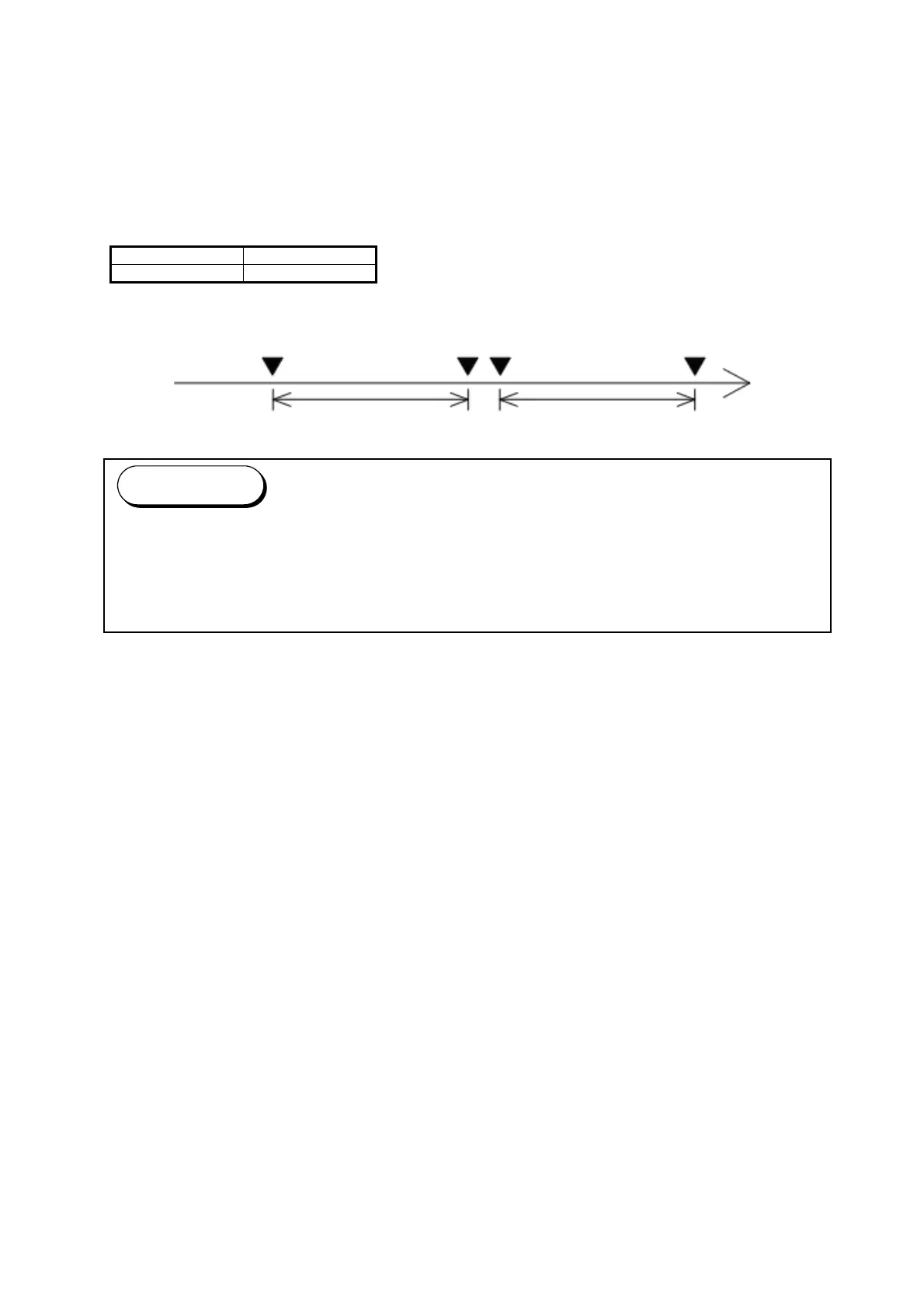
The Drum makes a reverse rotation in a given period twice after finishing a job.
Setting a bigger value for No.065 makes the reverse rotation period longer.
Setting Range Step of increment
10 to 100 1 millisecond
Print process end
Drum reverse rotation starts stops / starts again stops
Value for No.065 (ms) Value for No.065 (ms)
(1) Drum reverse rotations may produce a slight amount of toner sticking on Drum’s surface.
This causes a black line about 50mm below the leading edge on a print.
Setting a smaller value will reduce such a line.
(2) Setting an extremely small value may cause an indentation on Developer Roller.
Reference



 To Next Page