K117sm1e1
1-15
1. 6. 3 Treatment against environmental condition
Humidity(%)
Possible problem Necessary treatment
Low
40%
70%
High
“Void of image”, “crease of paper” and
other problems occurs when you print
with plain paper and tracing paper.
1. Install an humidifier in the room, and
humidify the room air.
2. Remove the paper from the machine
right after the completion of print, and
keep it in a polyethylene bag.
“Void of image” occurs when you print
with tracing paper.
If you will not make print soon, remove
the tracing paper from the machine and
keep it in a polyethylene bag.
Remove the paper from the machine after
everyday use, and keep it in a
polyethylene bag.
“Void of image” occurs when you print
with plain paper and tracing paper.
If you will not make print soon, remove
the tracing paper from the machine and
keep it in a polyethylene bag.
“Void of image”, “crease of paper” and
other problems occurs when you print
with plain paper and tracing paper.
1. Use a dehumidifier or such equipment.
2. Remove the paper from the machine
right after the completion of print, and
keep it in a polyethylene bag.
NOTE
(1) The embedded “Dehumidify Heater” is an option
.
Using a dehumidifier in high humidity environment (65% or higher) is recommended.
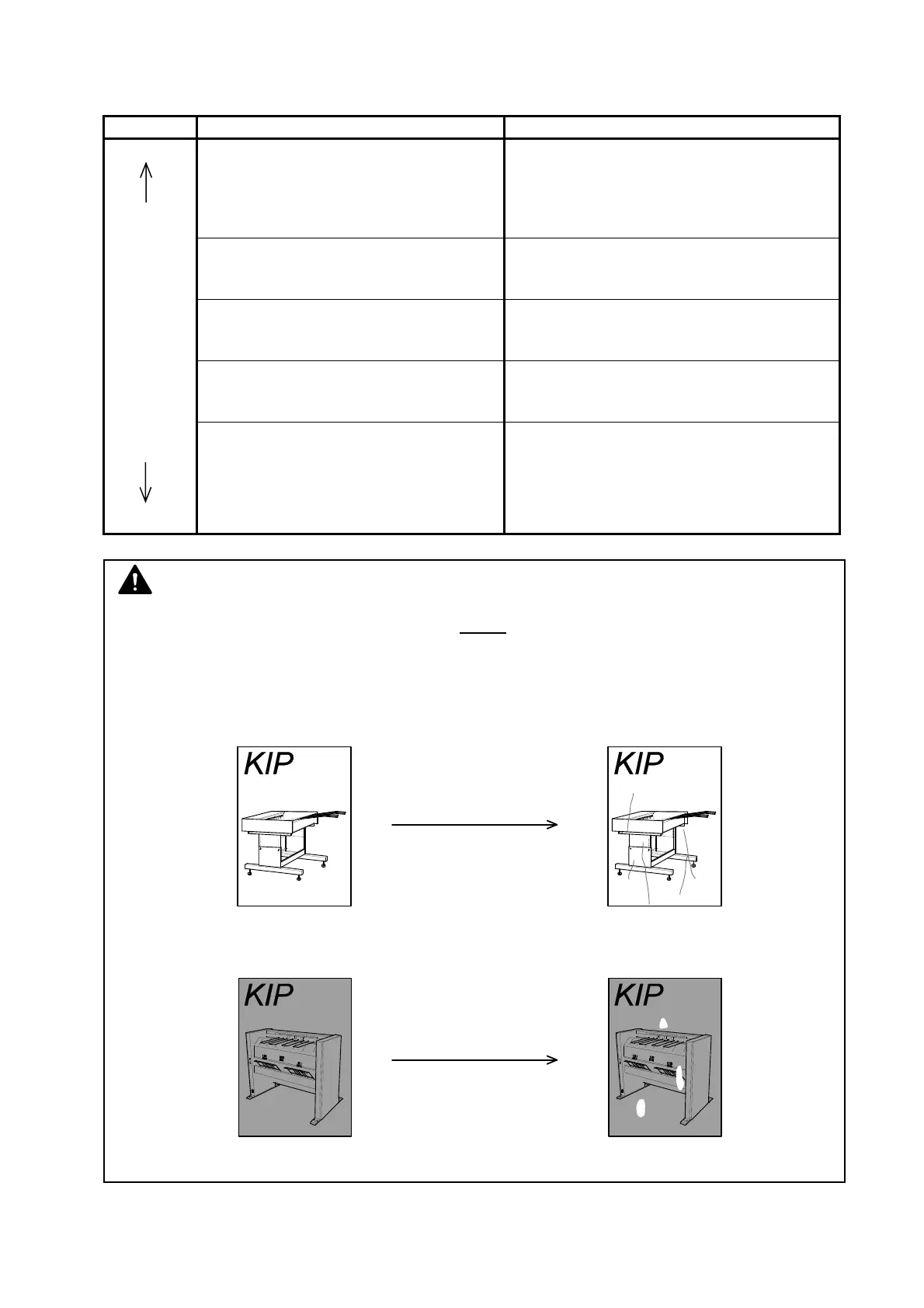
(2) “Void of image” and “crease of paper” will occur in case of extremely high or low humidity.
Normal Print
Normal Print
If the media is humidified;
If the media is humidified;
Crease of paper
Void of image



 To Next Page