K117sm8eE
8-257
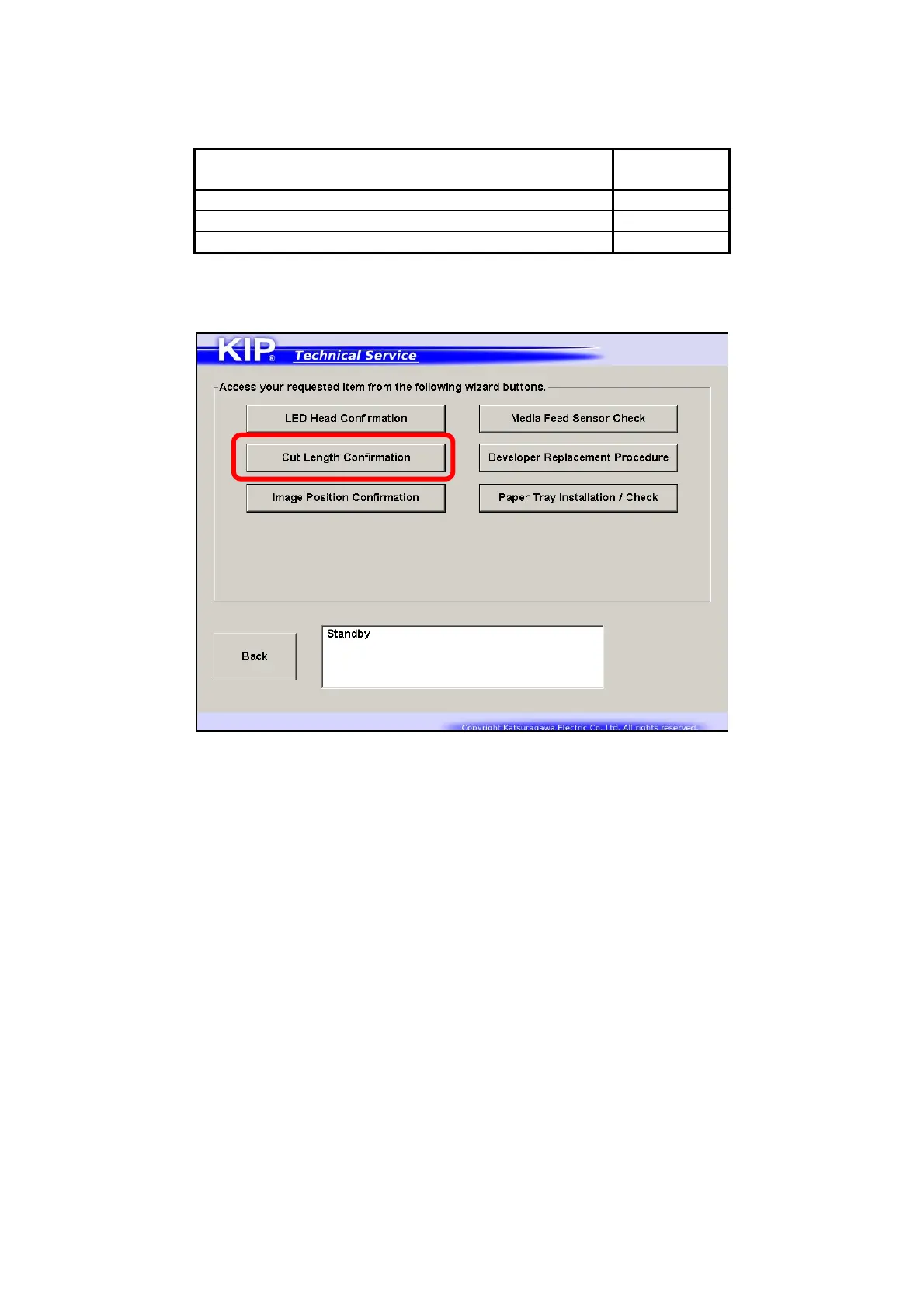
8. 15. 2 Cut Length Confirmation
“Cut Length Confirmation” can be used to confirm the current result (performance) of the following
sub mode parameters.
Title of page
Concerning
Sub Mode
1/3 Cut Length Adjustment (Plain Paper) No.018
3/3 Cut Length Adjustment (Tracing Paper) No.063
3/3 Cut Length Adjustment (Film) No.064
1. Press [Cut Length Confirmation] on the wizard menu screen.



 To Next Page