K117sm8eE
8-210
8. 14. 6. 1 Shading
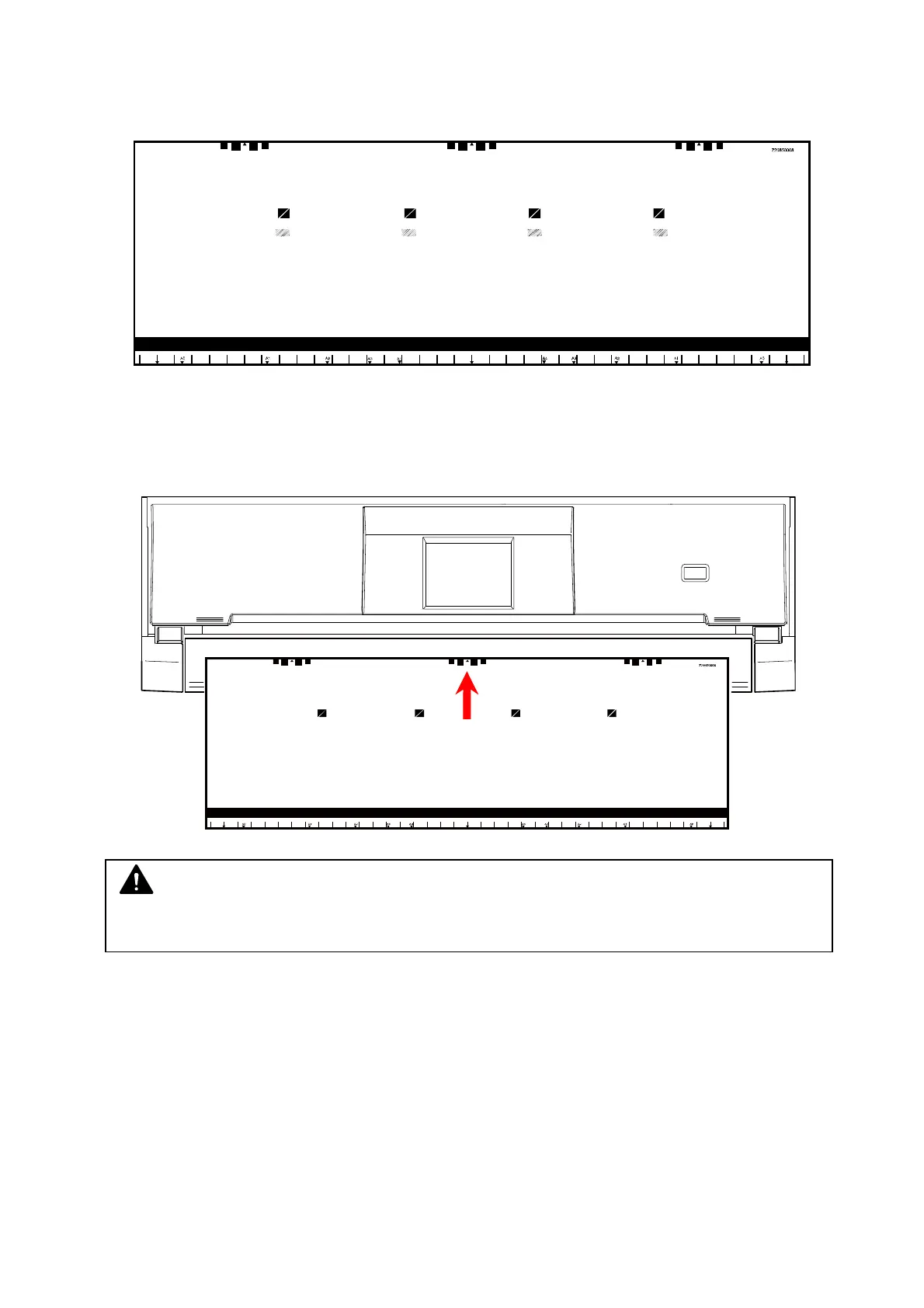
Shading Compensation is to set the target black / white level based on a designated calibration
chart “Shading Sheet”. This will also even the density difference between CIS.
One sheet of “Shading Sheet” is included in every scanner accessory.
1. Clean Glass DCMNT with a soft cloth.
2. Turn on the scanner. Set the Shading Sheet to the scanner noting the arrow direction.
NOTE
No skew insertion. Doing so may cause an incorrect calibration.



 To Next Page