K117sm2e3
2-15
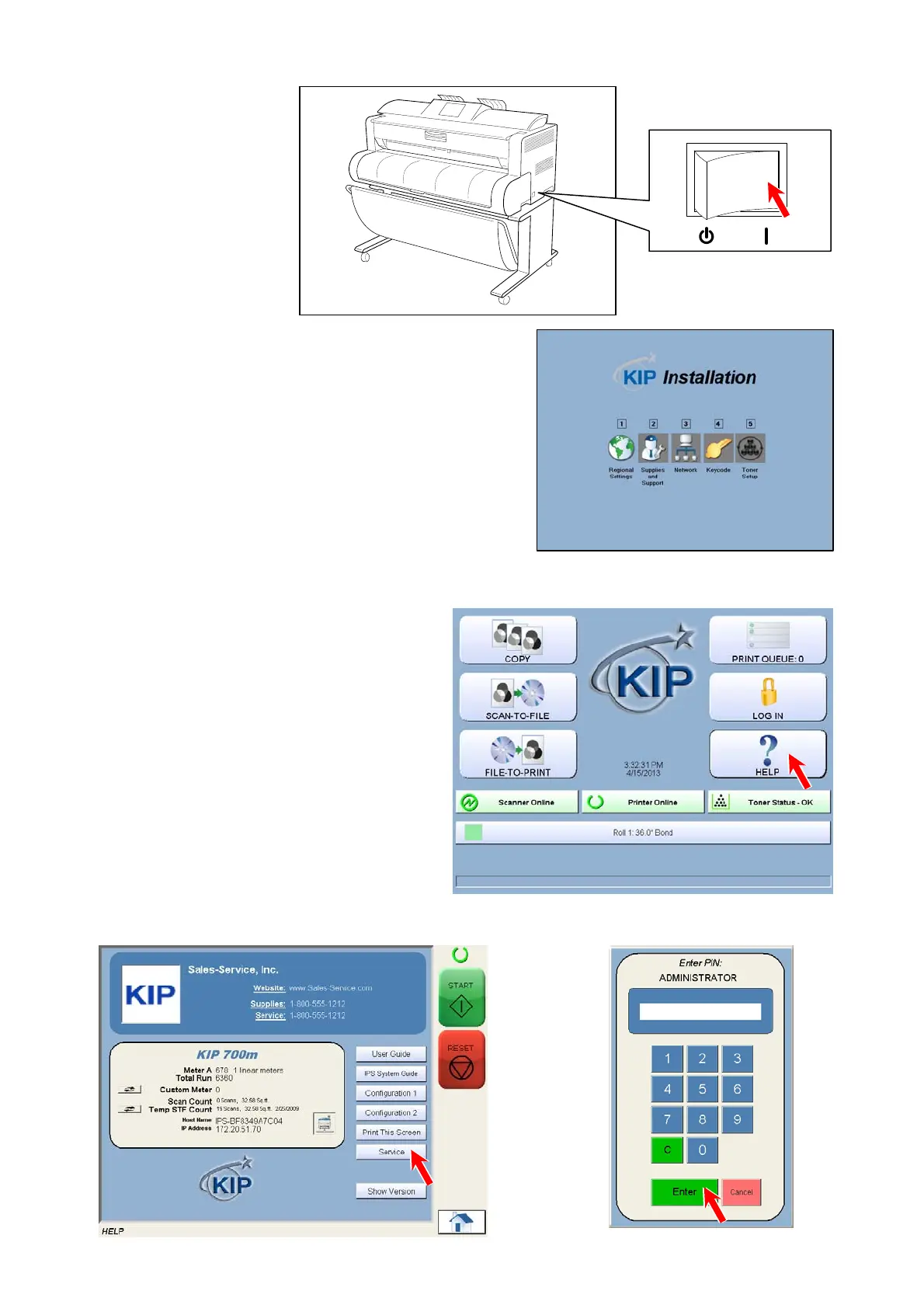
6. Connect the Power Cable and turn on the printer.
For power source requirements, see page 1.
The UI screen shows “Setup Wizard”.
It will prompt you to enter several settings.
Follow the wizard for the rest of the setup.
2. 13 Creating Backup
1. Press [? HELP] on the Home screen.
2. Press [Service]. Input “8495107” and press [Enter].



 To Next Page