K117sm8eE
8-168
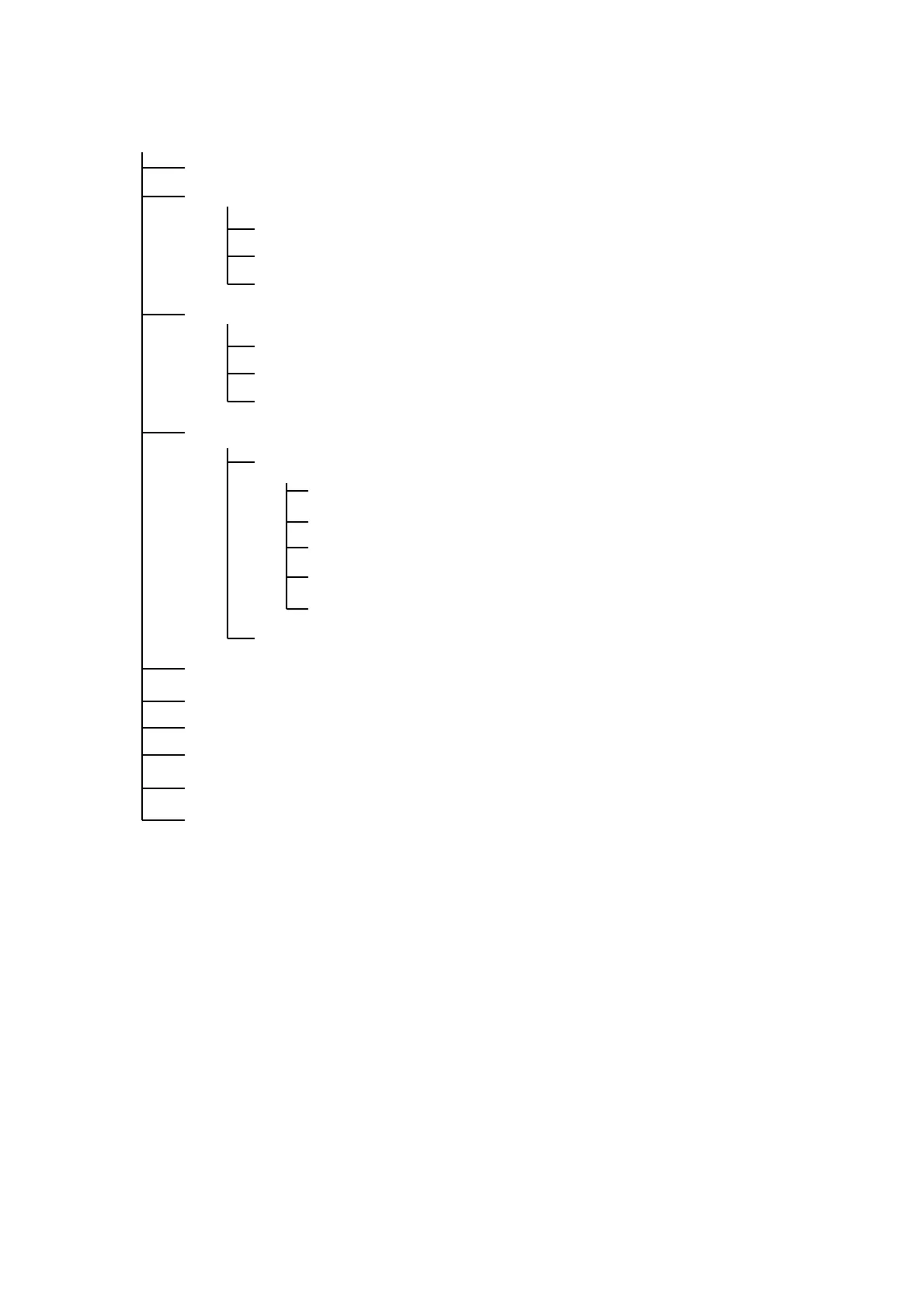
8. 14. 1. 2 K129 Diag Tree Diagram of Screen Hierarchy
Grayed items are not supported for field service.
Home
Version: view software version of CPU / FPGA / USB firmware
Backup Data:
Save / Restore Backup Data
Edit Backup Data
Save / Restore Shading Data
Update:
Send CPU firmware
Send FPGA firmware
Send USB communication firmware
Motion:
Adjustment
Shading
Stitching
White Level Correct
LE Registration
Black Brightness Correct
Operation Check: LED, CIS, motor
Input Check: document sensor, switch
Error Check: get the internal error status
Counter: view the scanner’s operation count
Reset: re-establish the USB communication
(Gamma Data): not supported
(Scan): Not supported



 To Next Page