K117sm8e7
8-73
738 Standby - Fuser Temperature
It is possible to adjust the Fuser Temperature to be maintained while waiting for a print job. You
can specify the temperature for the center and the sides separately.
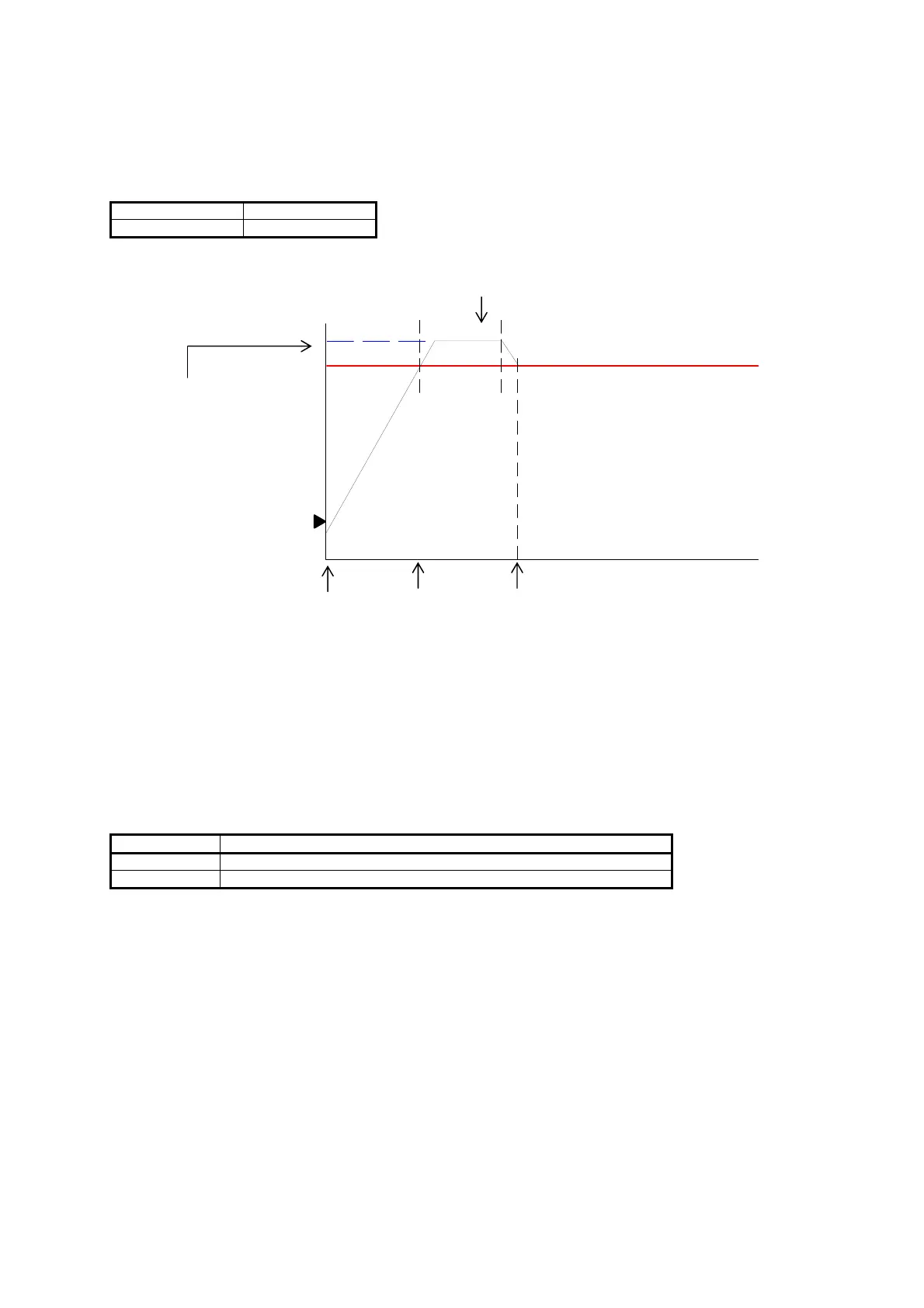
This setting is applied after the period of Fuser Temperature Overshoot (+10
o
C against “Ready -
Temperature” in 10 minutes).
The Fuser Temperature becomes 1 degree higher if you increase the setting value by “+1”.
Setting Range Step of increment
120 to 800 1
o
C
Fuser Temperature Overshoot
in 10 minutes after Ready
(
o
C)
Setting value of
“Standby - Temperature”
(Example 160
o
C)
0 (Time)
Turn on Ready Standby
749 Tracing Mode
Even in “ready” condition, the fuser temperature is controlled slightly lower than “Print” temperature
in order to reduce inside temperature.
It quickly rises up to “Print” temperature at the same time as the printer starts printing an output job.
This setting will keep media feeding wait for the completion of the fuser temperature recovery.
Note that Tracing Mode is effective only for an extremely thin tracing paper (off-specification).
Setting value Contents
0 Fuser temperature starts recovery as soon as a print job is sent.
1 A print on tracing paper will start after recovery of fuser temperature.



 To Next Page