K117sm8eE
8-209
8. 14. 6 Motion
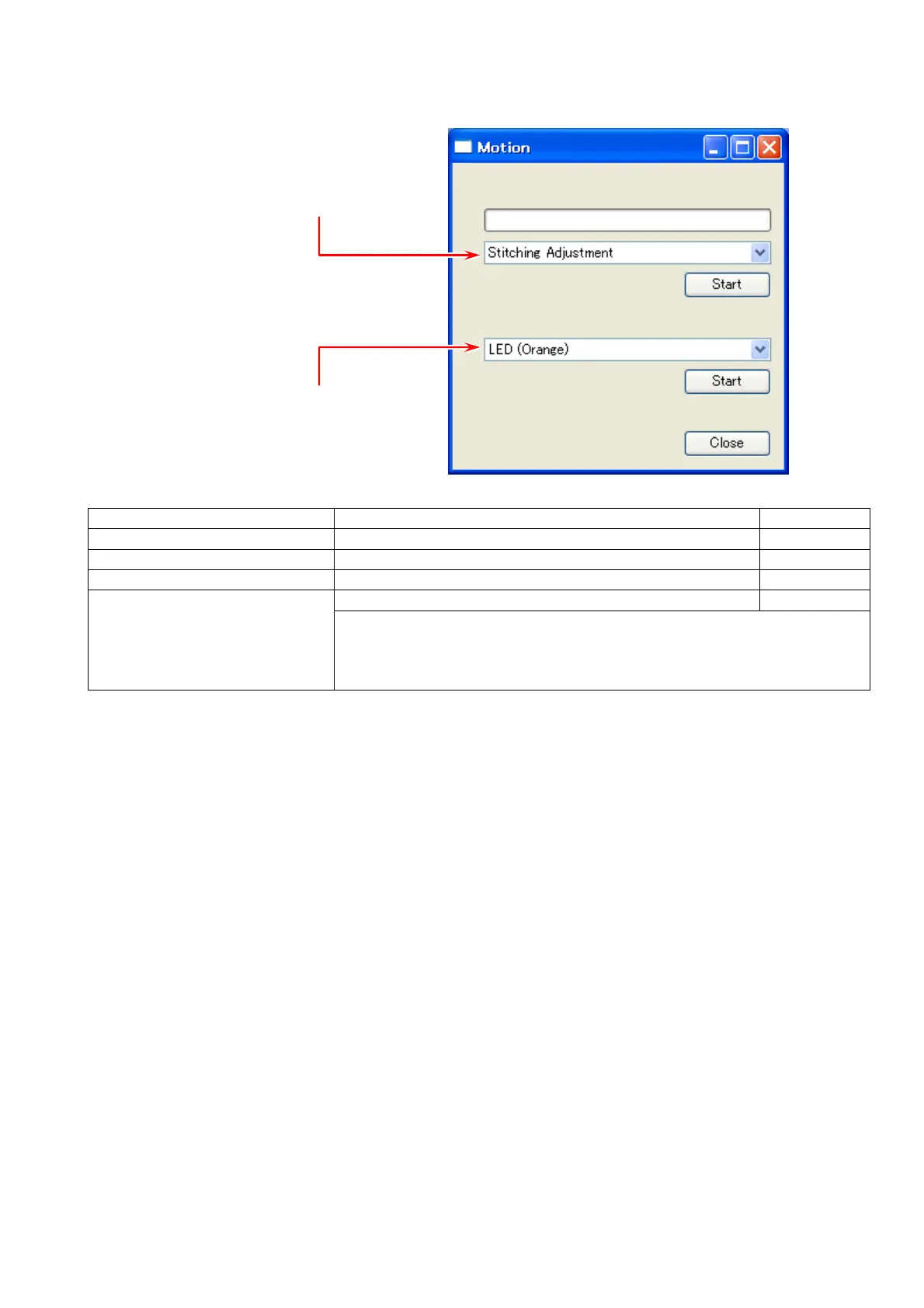
“Motion” contains 2 major categories, Adjustment and Operation Check.
Upper: Adjustment menu
Lower: Operation Check menu
Adjustment menu:
Shading Compensation creates shading data (defines B/W)
Stitching Adjustment calibrates joint coordinates at CIS borders
* White & Black Level Correct regular calibration for white level
not supported
* Leading Edge Adjustment specifies the leading registration
not supported
* Black Brightness Correct removes density difference between CIS blocks
not supported
May be required for...
- the scanners in S/N 12900097 and lower,
- with the firmware M15/S17 (and later) applied for the first time,
- and such scanners has a heavy density difference between CIS
For Operation Check menu, see [8.14.6.5 Operation Check].



 To Next Page