K117sm7e3
7-39
7. 4 Touch Screen Calibration
If the cursor position in the screen does not correctly match the tapped position on the panel, the
touch screen should be calibrated so that the cursor is located directly underneath your finger or a
stylus.
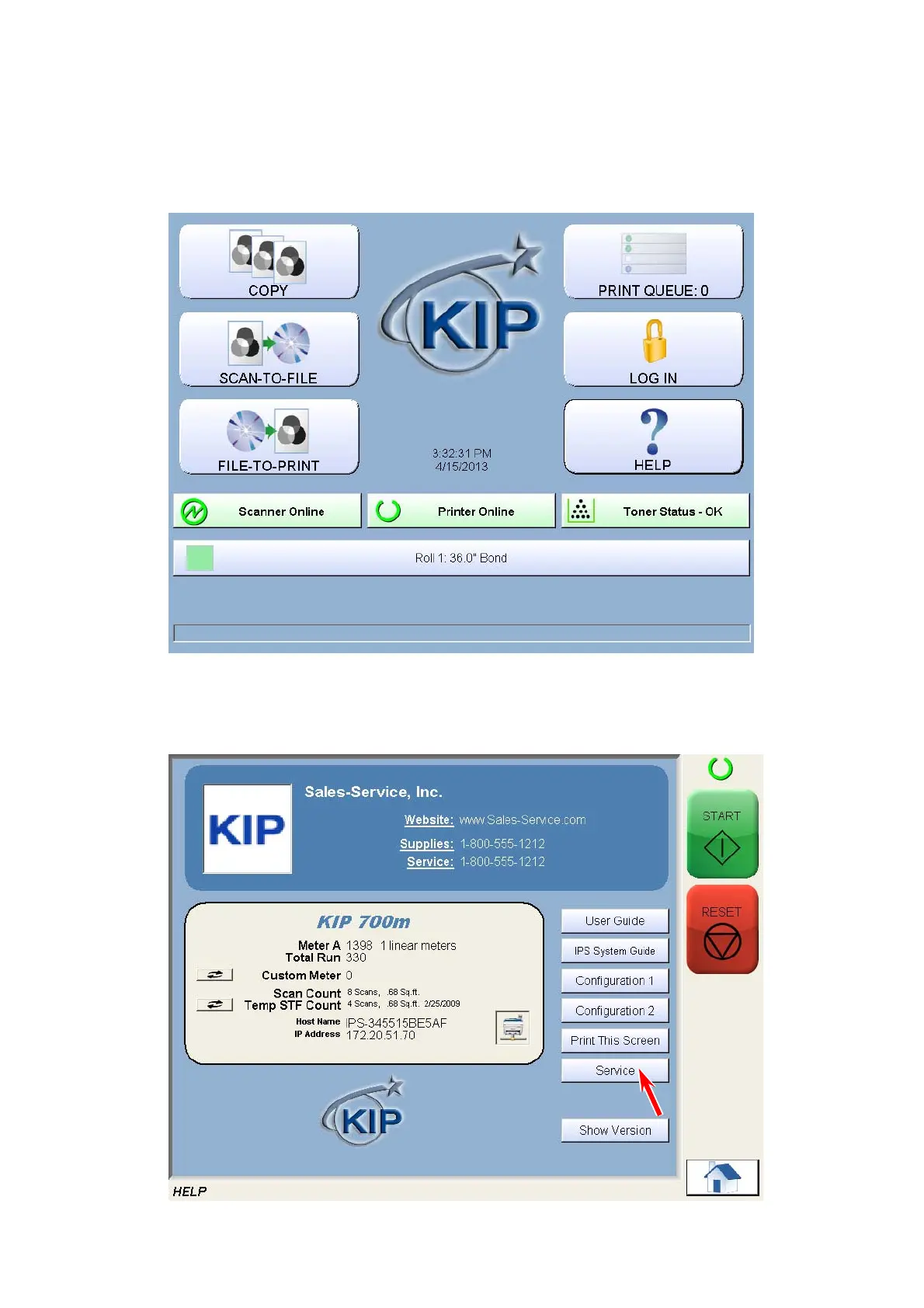
1. Press “? - Help” on Home screen.
The screen shows any available options. This may vary from the actual one
2. Press [Service].



 To Next Page