K117sm5e6
5-81
5. 4. 3 Main Board (PW12920)
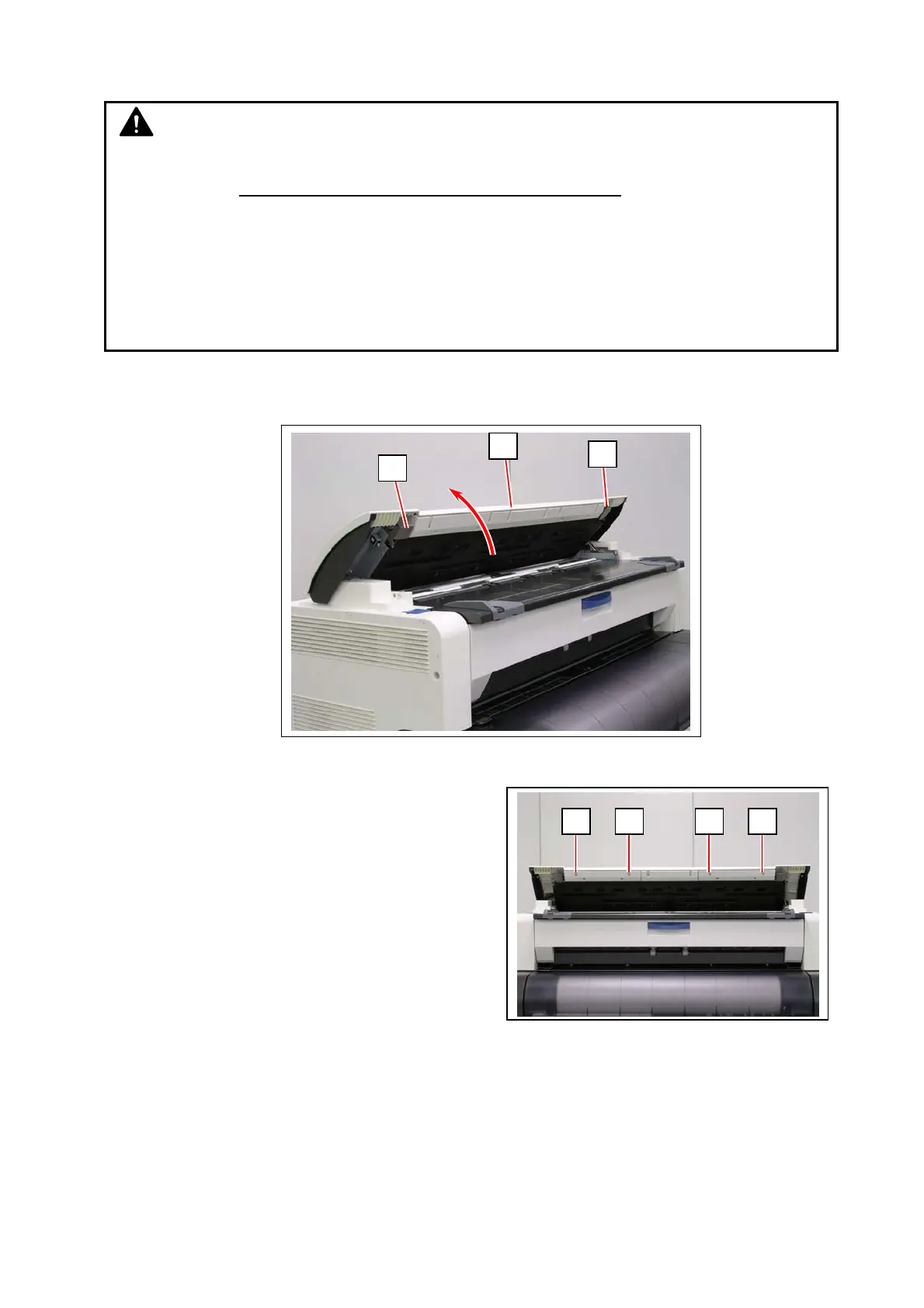
1. Lift up both sides (1) of the Scanner Unit (2).
2. Remove 4 screws (3) on the front.
NOTE
(1) After replacement, the Main Board requires importing a backup data.
You have to save the current backup data and shading data
to utilize the spare Main
Board without any fail. Otherwise you will be requested to get the factory backup from the
manufacturer.
(2) The scanner’s Main Board stores its serial number (same with the machine S/N). As a
service part Main Board has no S/N information on it, you will have to write the serial
number (with 8 digits) to the scanner’s Main Board.
(See [8. 14. 11 Serial Manager])
1
1
2
3 3 3 3



 To Next Page