K117sm5e5
5-55
12. Replace Main Board with a new one. Return all the cables in position.
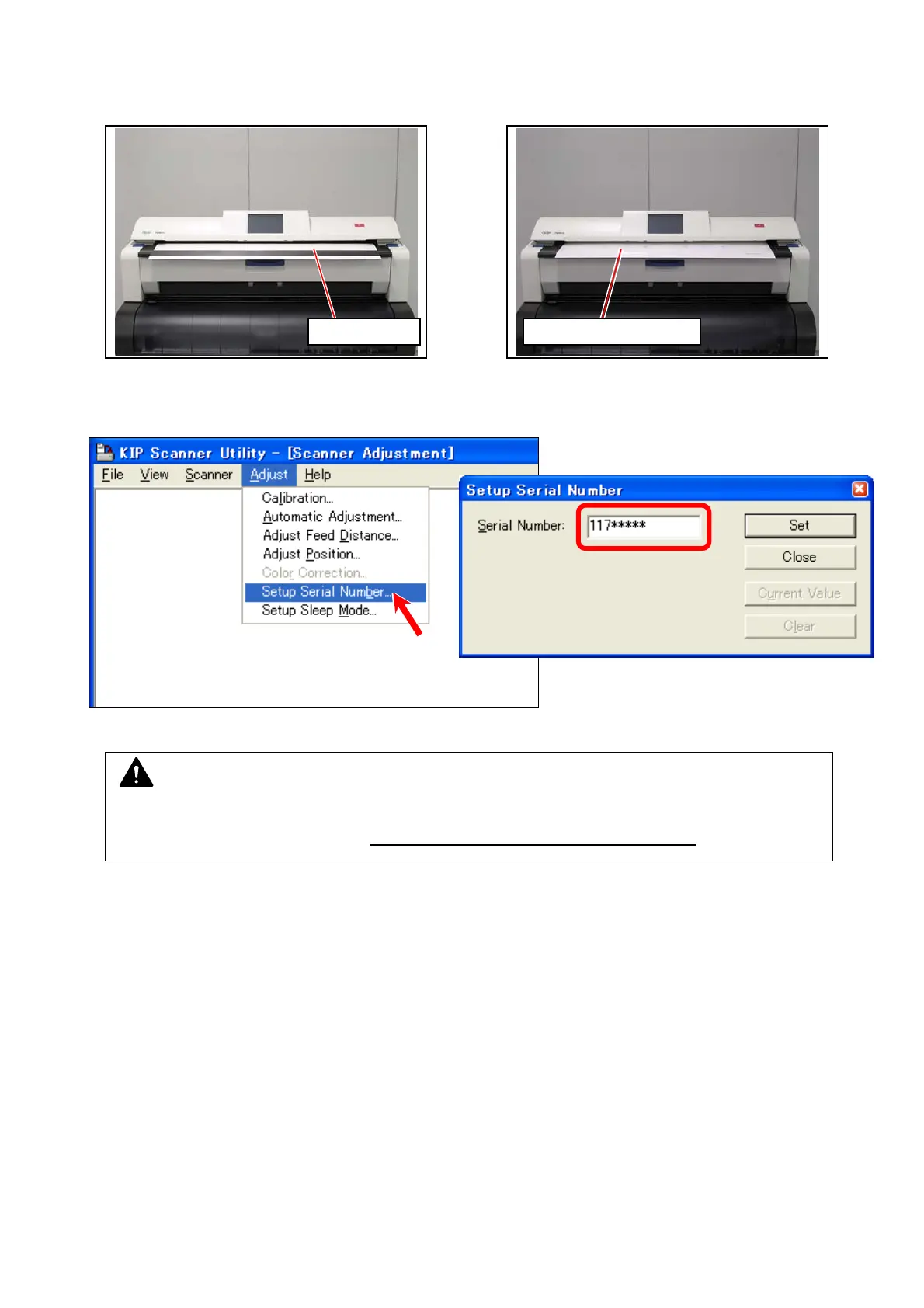
13. Perform the scanner calibration. See [8.13.4 Scanner Utility].
When replacing with a service part, registering S/N is required. See [8.13.6 Registering S/N
to Main Board].
Shading Sheet Stitch Adjustment Chart
NOTE
If you use a service part with S/N unwritten, such Main Board would be detected as an
incorrect hardware configuration. This would invalid some license key codes.



 To Next Page