K117sm8e5
8-45
NOTE
(1) The LED Strobe Times specified in these 008, 009 and 010 are directly applied to the
Test Print.
If the setting values are 7 (for 008), 8 (for 009) and 9 (for 010), for example, the
actual LED Strobe Times are also 7 (for block A), 8 (for block B) and 9 (for block C).
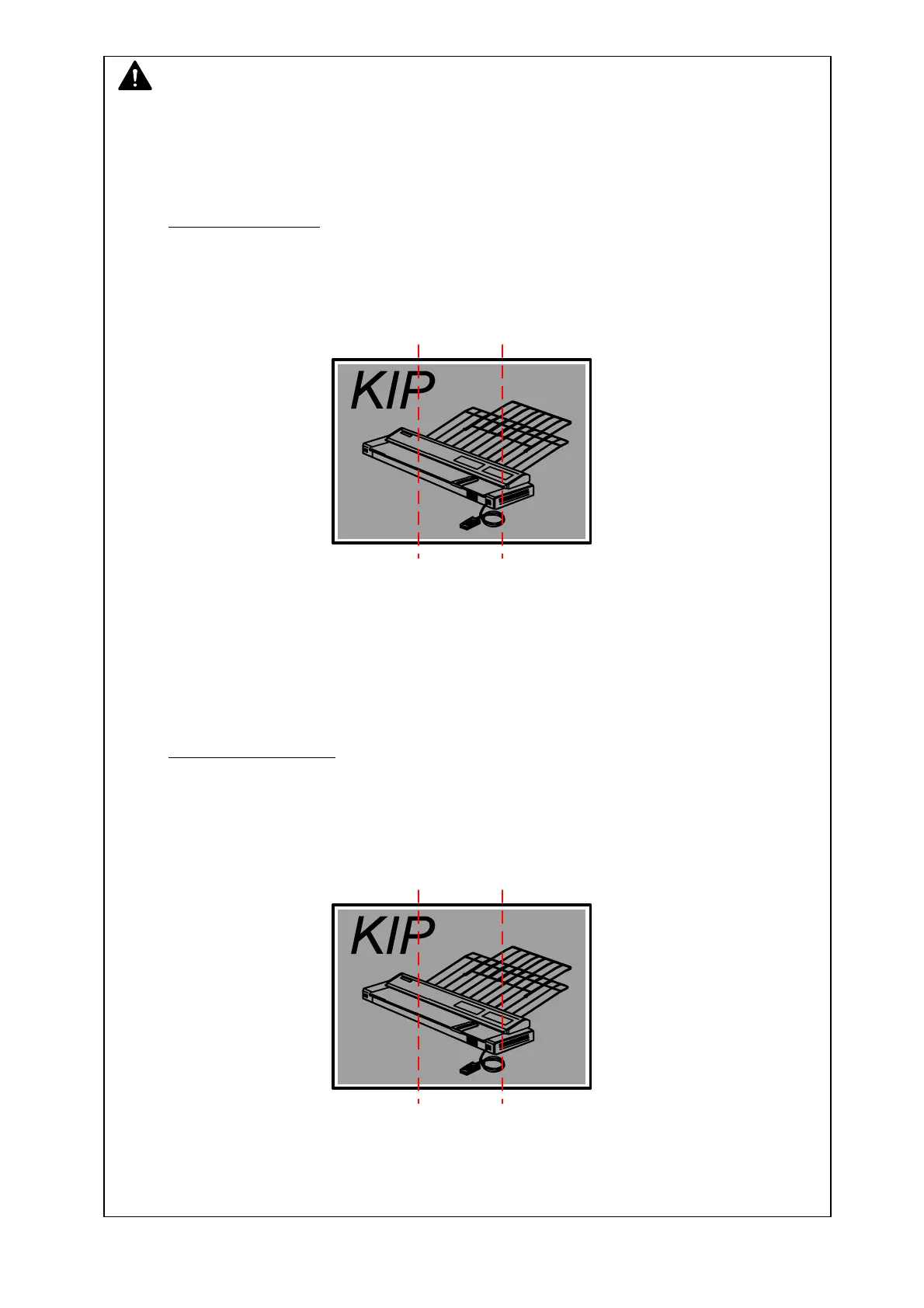
In case of Test Print
008: 7 microseconds
009: 8 microseconds
010: 9 microseconds
Block A Block B Block C
(7) (8) (9)
But in case of a copy or a plot, the density command (LED Strobe Time) sent from the
output device (image scanner or controller) is applied to the Image Block A.
And only the difference of setting values among 008, 009 and 010 are applied to the
actual LED Strobe Time.
If the density command from the output device is 5 microsecond and the setting values
are 7 (for 008), 8 (for 009) and 9 (for 010), for example, the actual LED Strobe Times
are 5 (for block A), 6 (for block B) and 7 (for block C).
In case of copy or plot
Density command from output device: 5 microseconds
008: 7 microseconds
009: 8 microseconds
010: 9 microseconds
Block A Block B Block C
(5) (6) (7)
(2) If the value of density command (LED Strobe Time) sent from the output device is larger
than “9 microsecond” (Max.), it is automatically corrected to “9 microsecond”.
If it is smaller than “0 microsecond” (Min.), it is corrected to “0 microsecond” similarly.



 To Next Page